In the Chainlink Marketing Platform, you have the ability to customize tickets for any of your events. The Tickets Overview page is a listing page for all of your tickets. You can also export your tickets or create new tickets from the Tickets Overview page.
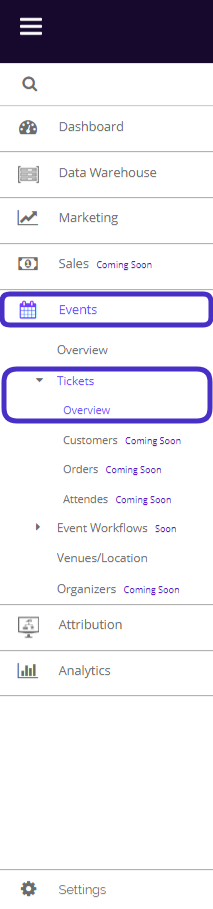
To access your tickets, navigate to Events > Tickets > Overview.
This is what the Tickets page looks like:
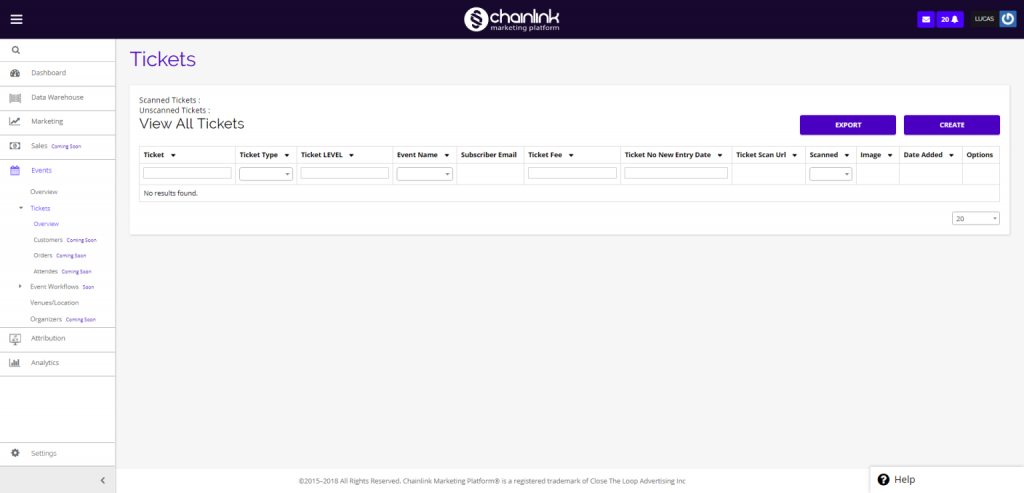
From here you have the ability to create a new ticket, export existing tickets data, or view an existing ticket.
1. Create a New Ticket
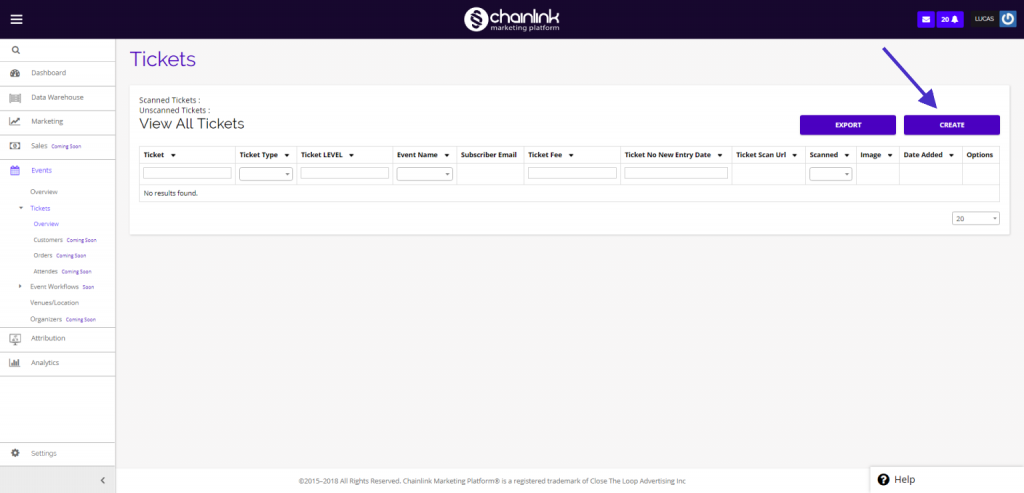
- To create a new ticket for an event, click the Create button:
- Next, you will be brought to a new page where you can enter the necessary information to create a new ticket.
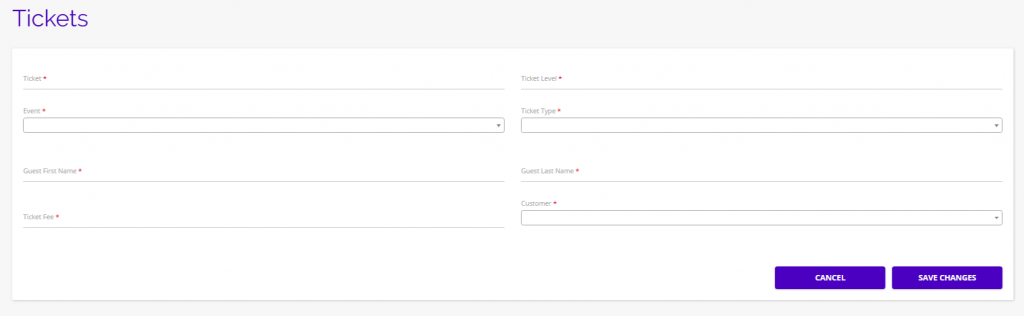
- Be sure to enter all of the required information, marked with a red * , and select Save Changes when finished.
- Your newly created ticket will appear on the ticket dashboard along with any previously created tickets.
2. Export Tickets
- You also have the ability to export any ticket data you have in the platform by clicking the Export button.
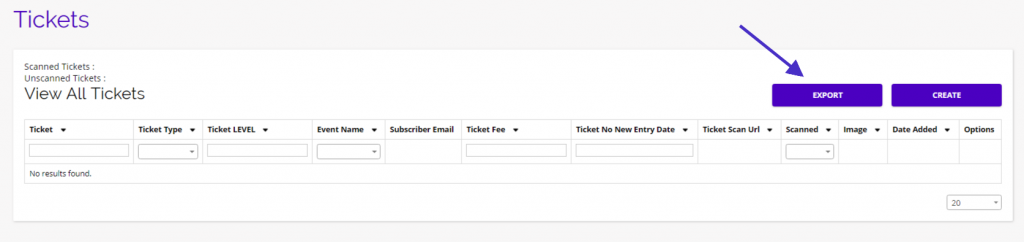
- Your tickets data will immediately begin downloading after selecting the export option.