Use Template Tags to easily manage and categorize all of your Email & Landing Page templates. Search for specific templates using tags to quickly find the templates you’re looking for.
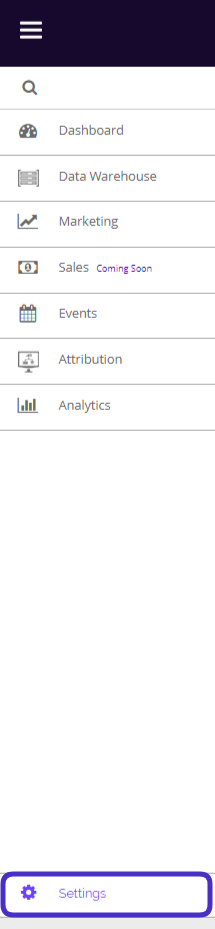
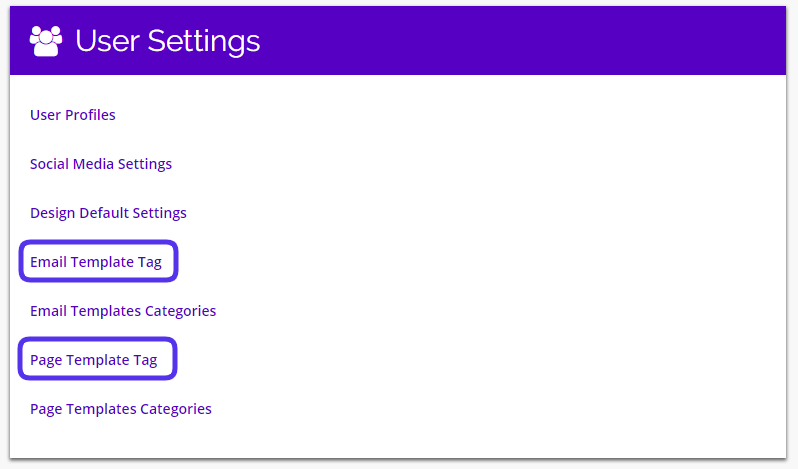
To access your Template Tag Settings, navigate to Settings > User Settings > Template Tag.
Template Tags Overview
- This is what your Email and Page Template Tag Settings pages look like:
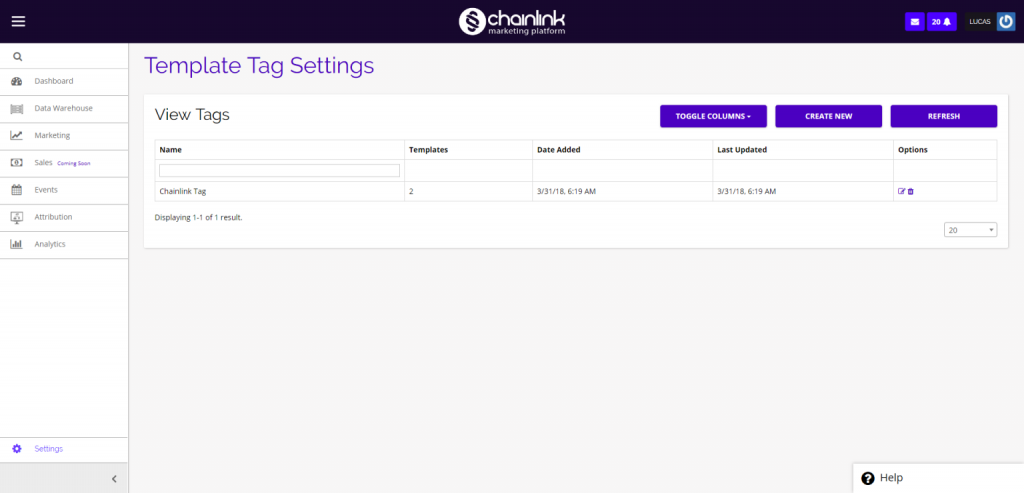
- From the dashboard, you can view and edit any template tags you have created, toggle the columns, create new template tags, see how many templates are using a tag, and delete tags.
- To view/update a previously created tag click on the pencil/paper icon under the options column.
- To delete a tag, click on the trash can icon under the options column.
Create a New Tag
- To create a new template tag, click Create New and you will be brought to a page where you can enter your new template tag.
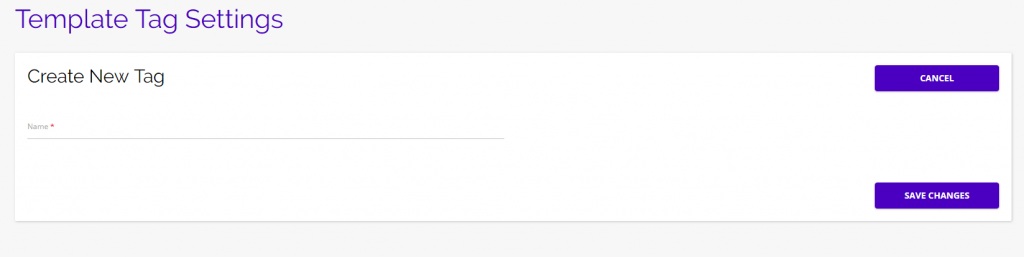
- Be sure to click Save Changes when done adding your new template tag to ensure it will be saved in the Chainlink Marketing Platform.