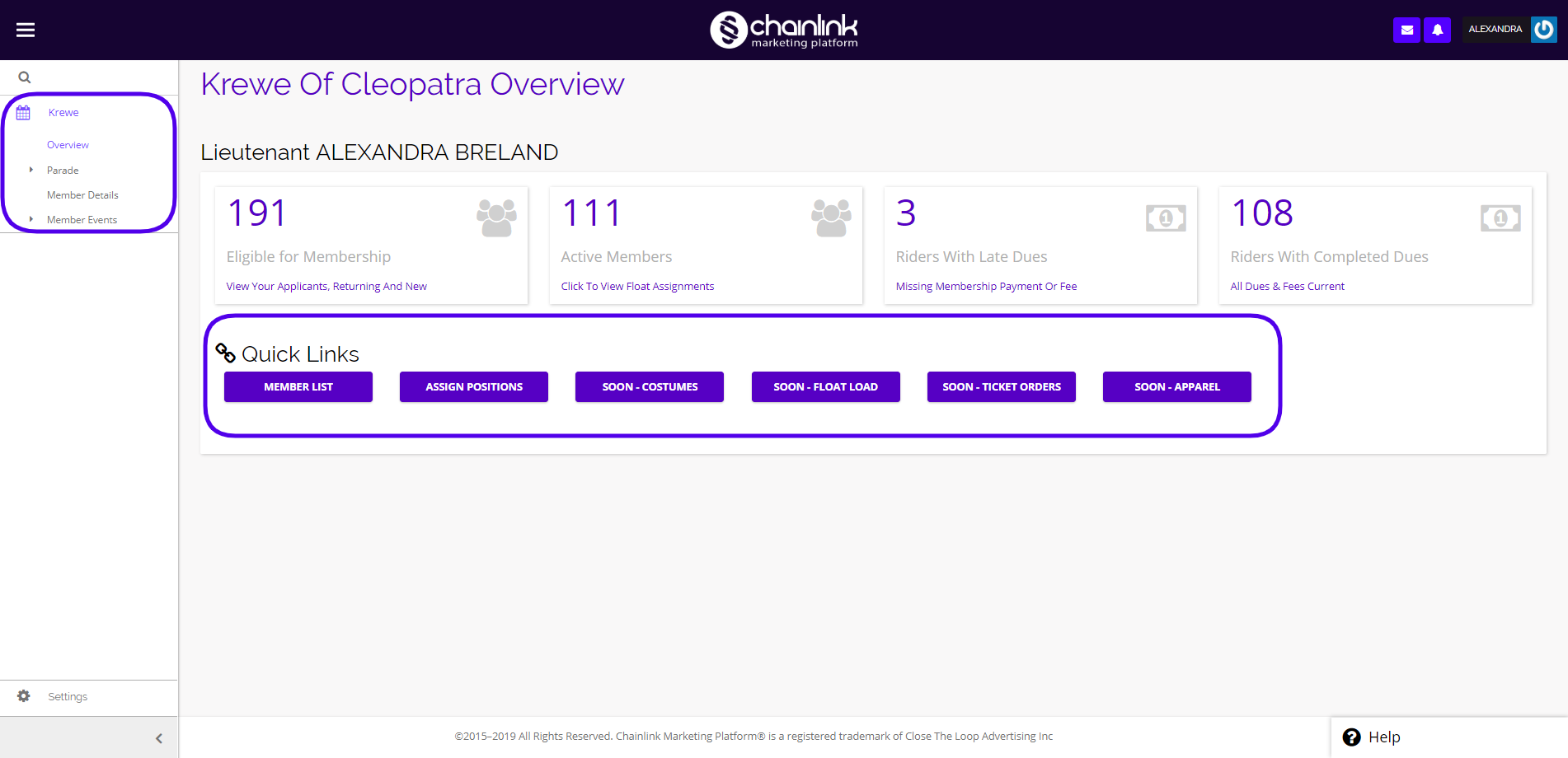
The Chainlink Marketing Platform has been customized to fit the needs of any Mardi Gras Krewe. Our custom event module gives Krewe owners and managers the ability to easily layout and manage their parade and float organization, event tickets and table assignments, and all parade orders in one place. Parade Lieutenants are able to use the platform to see their parade members, floats, and orders, as well as easily customize their float layout and event seating assignments using Chainlink’s interactive drag and drop feature. The Krewe Overview page is where you will be able to see some high level details about your Krewe, and take actions from here if needed.
Use the navigation menu on the left side of the screen to access the different parts of the Krewe module:
Note: You will only be able to see the floats, members, and orders related to the Lieutenant you are logged in as. If you are logged in as an Admin, you will be able to view all of the information related to your Krewe.
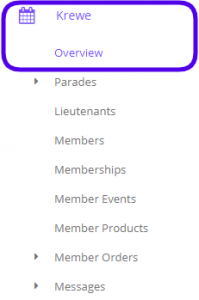
To access the Krewe Overview in Chainlink’s Marketing Platform, navigate to Krewe > Overview.
Note: The menu shown below is the navigation menu for Krewe Admin. In the Lieutenant view, there are fewer options.
This is what the Krewe Overview looks like from a Lieutenant’s perspective:
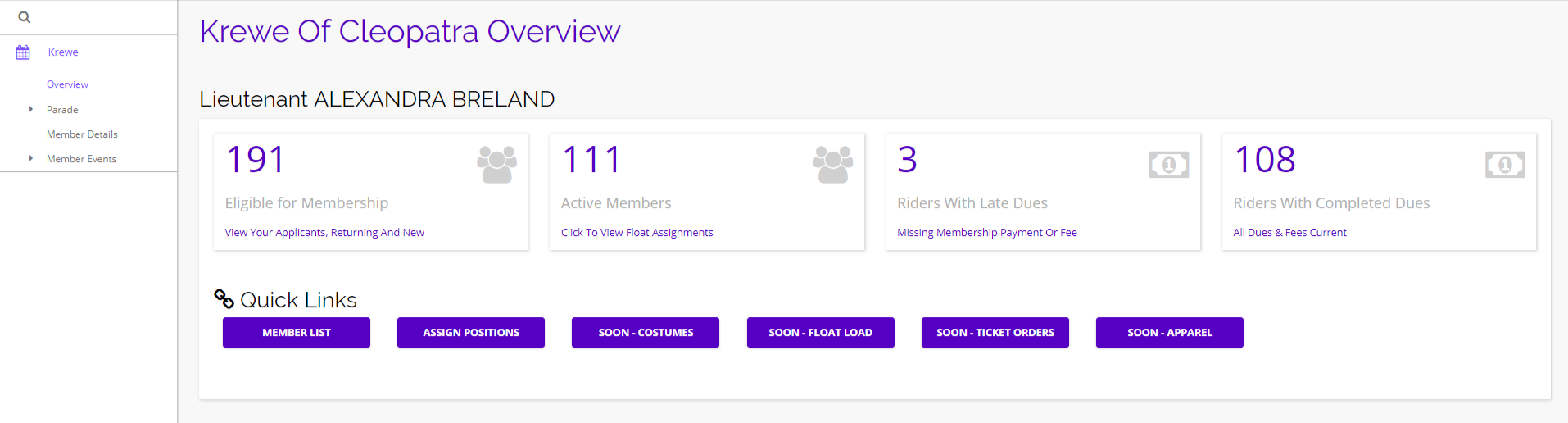
From here you will be able to see some high level Krewe stats, and quickly navigate to your members, floats, events, and orders. The stats shows above are specific to just the Lieutenant you’re logged in as. You can click any of the purple links to navigate to the different sections of the Parade module.
Note: If you are logged in as an Admin, you will have some additional options from the Overview page.
Options
From the Krewe Overview, you can either navigate to other parts of the Parade module using the navigation menu on the left side of the screen, or you can click on any of the quick links to take you to specific pages.