As a Parade Admin or Lieutenant, you will be able to see a list of all of the Parades’ offered products. This is a listing page of all of the available products being sold in the Krewe’s online store, as well as the products that are no longer in stock. As the Parade Admin, from this page you will have the ability to create an order, view all orders of a specific product, edit a products details, delete a product, and export a list of all parade products.
Note: Parade Lieutenants will only be able to view product orders, while Admin will have access to the other features.
To access your Parade Products, navigate to Parade > Products.
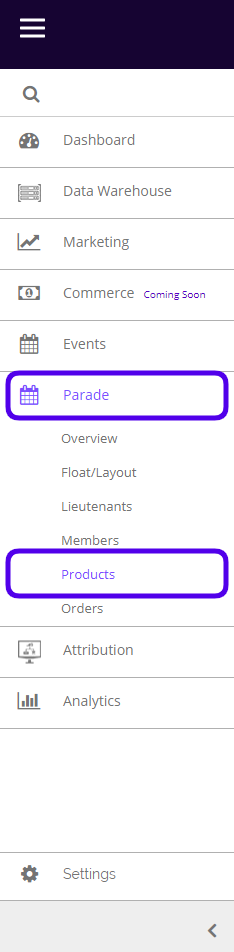
This is what the Products listing page looks like:
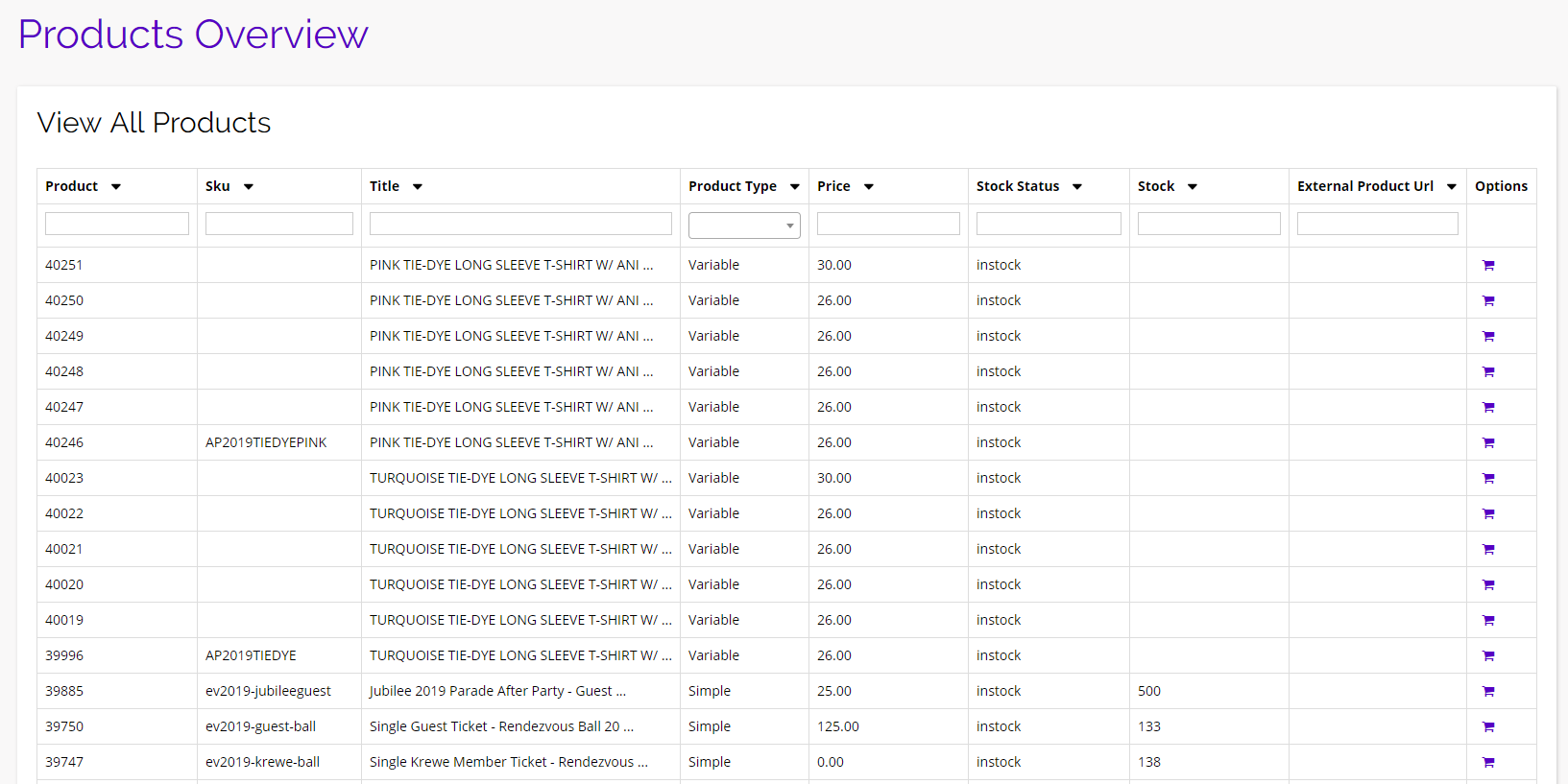
From here you will be able to see all of the products being sold in the Krewe’s online store along with some important product information.
Export
From the products listing page, you can easily export a CSV containing all of the parade products’ information. To do so, simply click the purple Export button at the top of the table and your download will be immediately.
Note: You will only have the export option if you are the Parade Admin. Lieutenants will not be able to export the product table.

Options
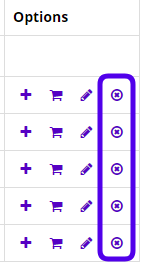
From the products listing page, there are some additional options you have. These can be found under the options column: Create Order, View Order, Update Product, and Delete Product.
Note: Parade Lieutenants will only be able to view product orders. The Parade Admin will be able to view orders, create new orders, update products, and delete products.
View Order
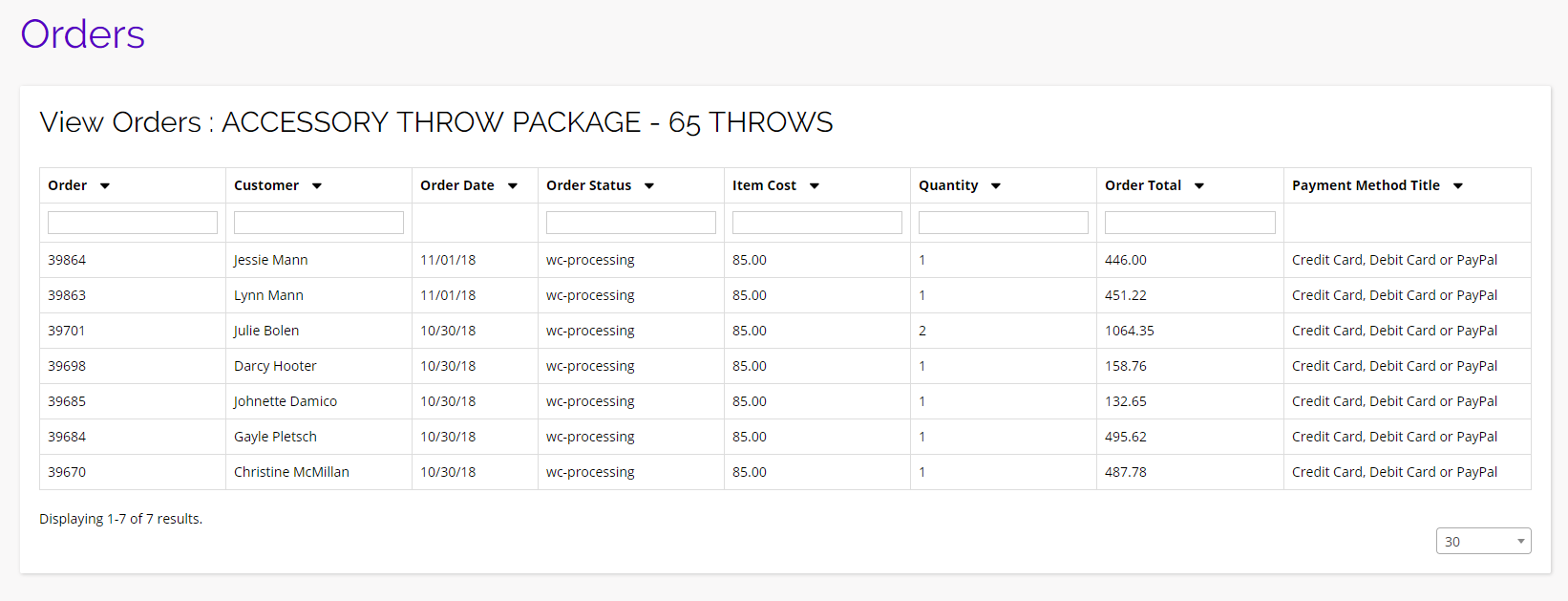
To view all of the orders for a specific product, click on the shopping cart icon under the options column for the product you want to view. You will then be brought to a new page listing all of the orders and important order information for that individual product.
Create Order
To create a new order for any product listed on this page, click the + icon in the options column for the product you want to order. You will be brought to a new page where you can input all of the required information to complete an order.
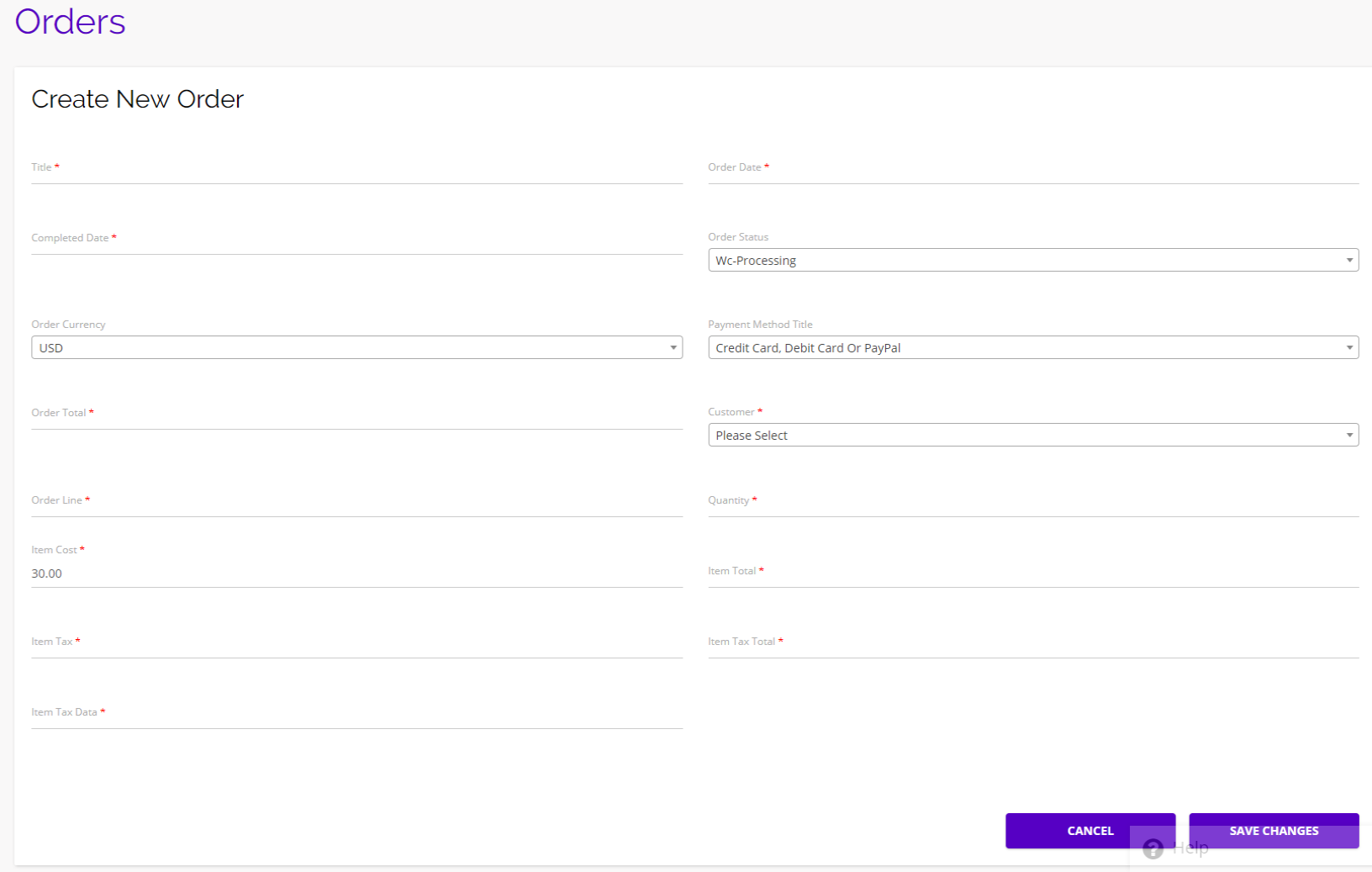
Because this feature is only available to the Parade Admin, you will have the option of selecting the item cost, what customer it will be for, and much more. Be sure to click Save Changes to complete your order.
Update Product
As the Parade Admin, you also have the ability to edit/update a products’ details. To do so, click the pencil icon under the options column and you will be brought to a new page where you can edit any of the product’s details.
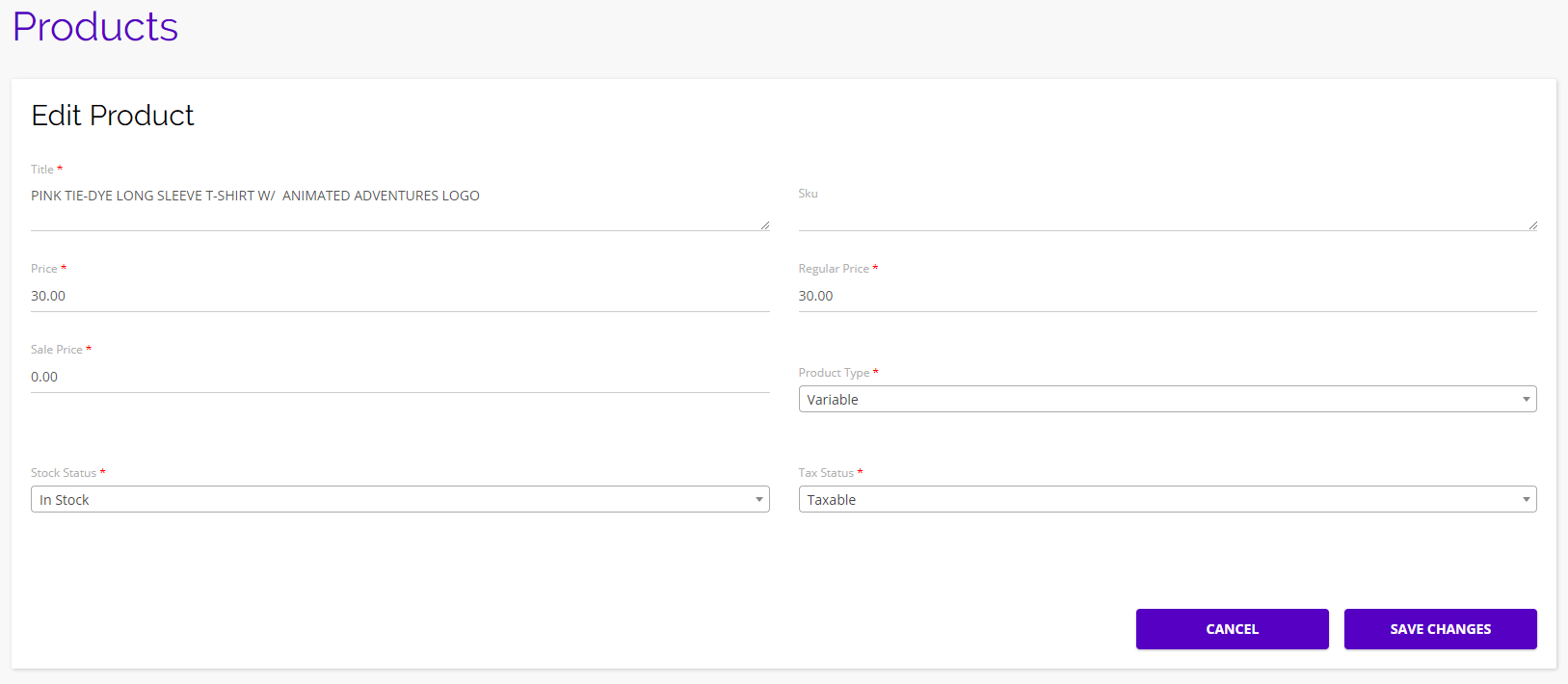
Be sure to click Save Changes when you’re finished updating your product’s information.
Delete Product
If you want to completely remove a product from the platform, click the delete icon under the options column and that product will be removed.