In the Chainlink Marketing Platform, you can easily import lists of targets from outside of the platform. The Imported Targets Reports page is simply a listing page where you will be able to see all of the Target Imports you have completed.
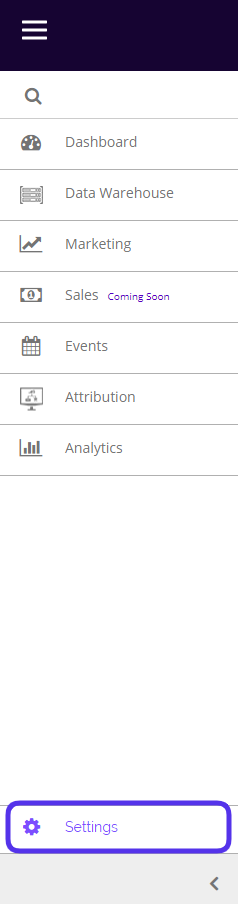
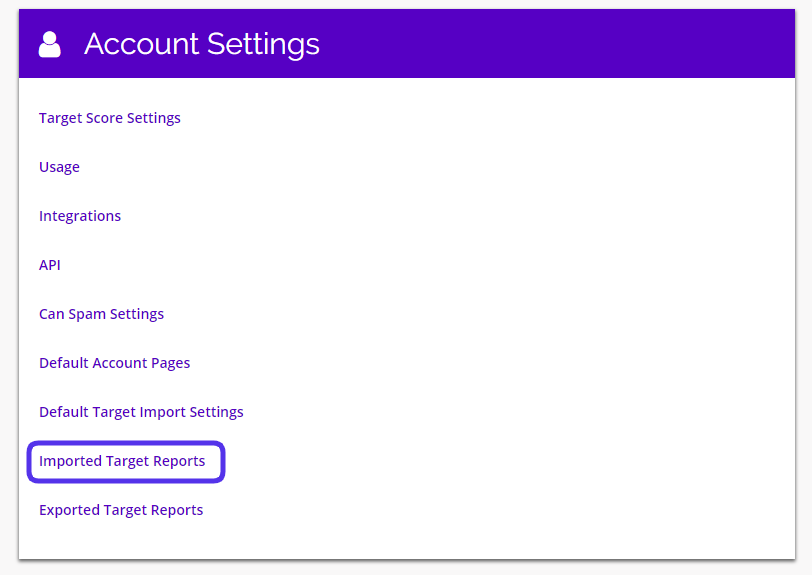
To view your Imported Reports, navigate to Settings > Account Settings > Imported Target Reports.
This is what the Imported Target Reports page looks like:
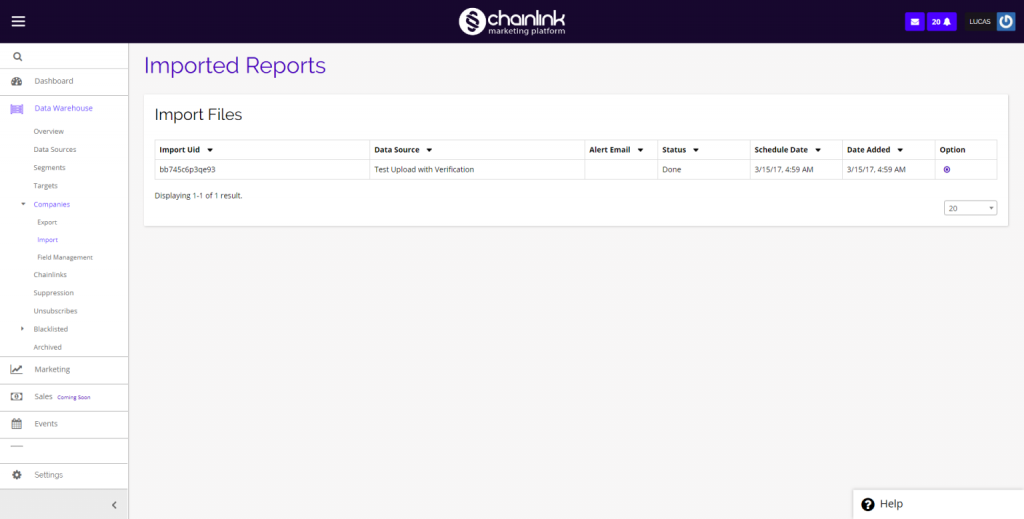
- From the dashboard you are able to get an overview of all of your Imported Target Reports.
- If you want to delete a report, just click the delete icon under the options column on the far right.