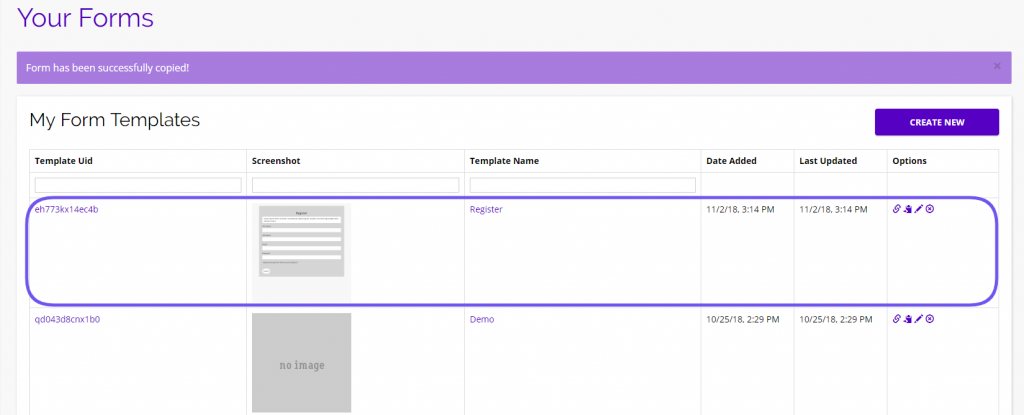
Here you can find all of the freely available Form Templates provided by the Chainlink Marketing Platform.
Import Form Templates for future use in your marketing efforts.
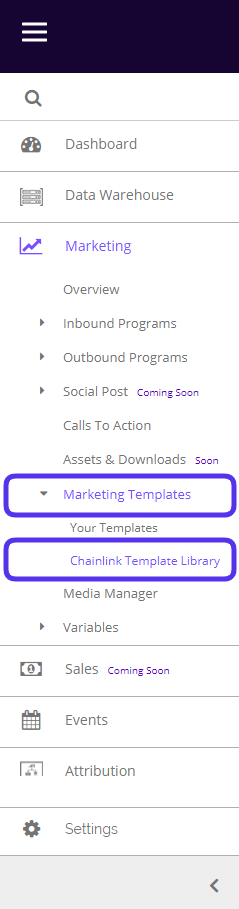
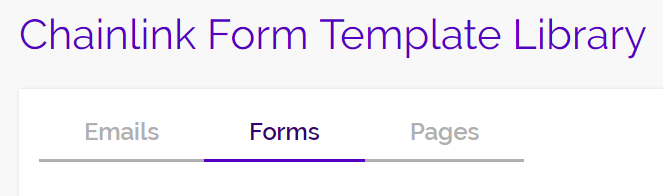
To access Form Templates, navigate to Marketing > Marketing Templates > Chainlink Template Library > Forms.
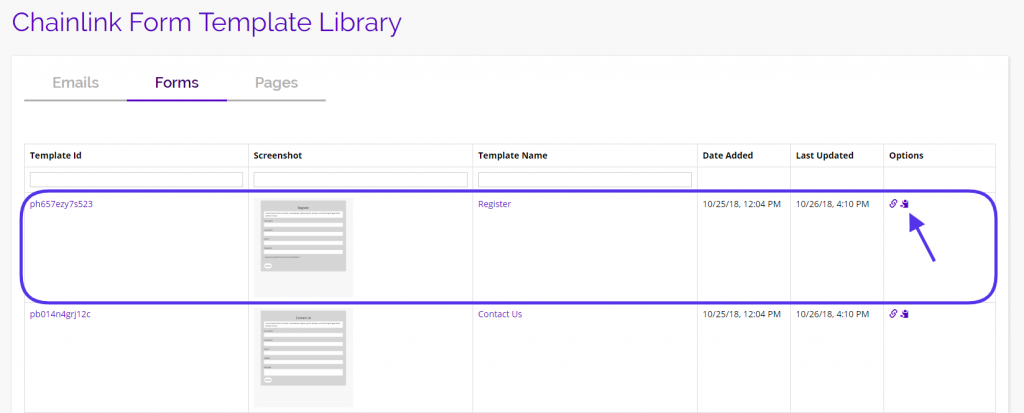
This is what the Chainlink Form Template Library looks like:
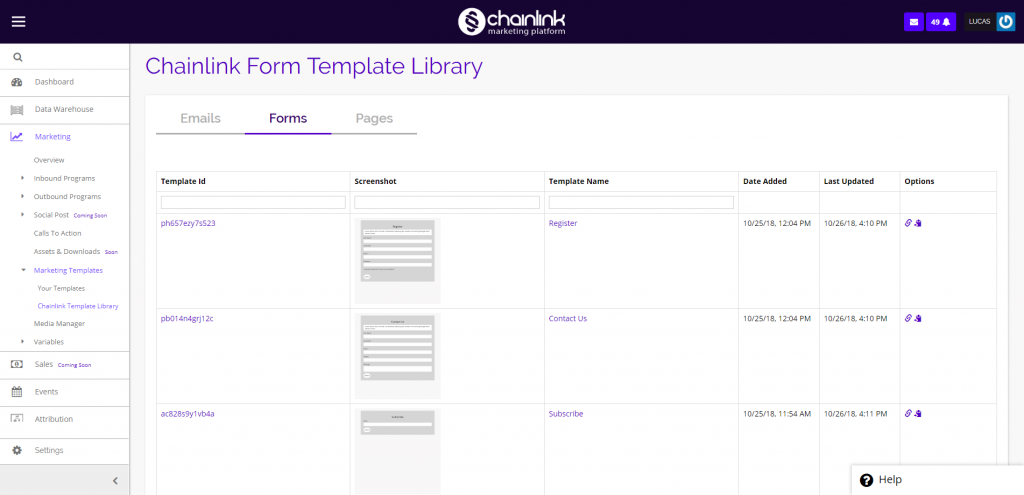
- To preview a template, click on the Template ID, Screenshot, Name, or the link icon under the options column.
- When you find a Form Template that you want to use, click the import icon to the right of the link icon under the options column.
- When you click the import icon, you will be brought to “Your Forms” where you will be able to see the imported form at the top of the “My Form Templates” list.
- From here you can customize the form by clicking the pencil icon, which will bring you to the form builder.