In the Chainlink Marketing Platform, you can easily export a list of Targets at any time. The Exported Reports page is simply a listing page of all of your Exported Target Reports.
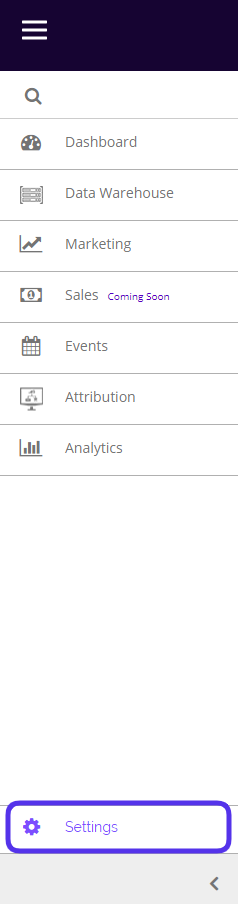
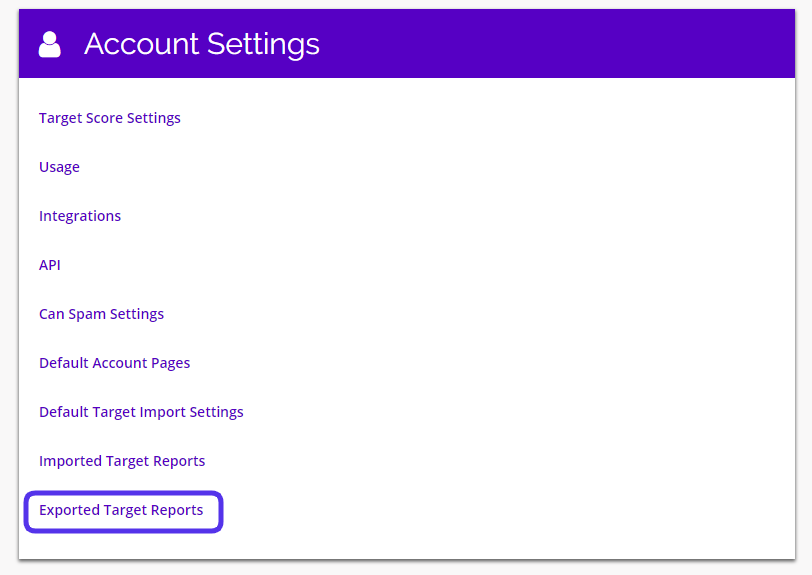
To view your Exported Reports, navigate to Settings > Account Settings > Exported Target Reports.
This is what the Exported Target Reports page looks like:
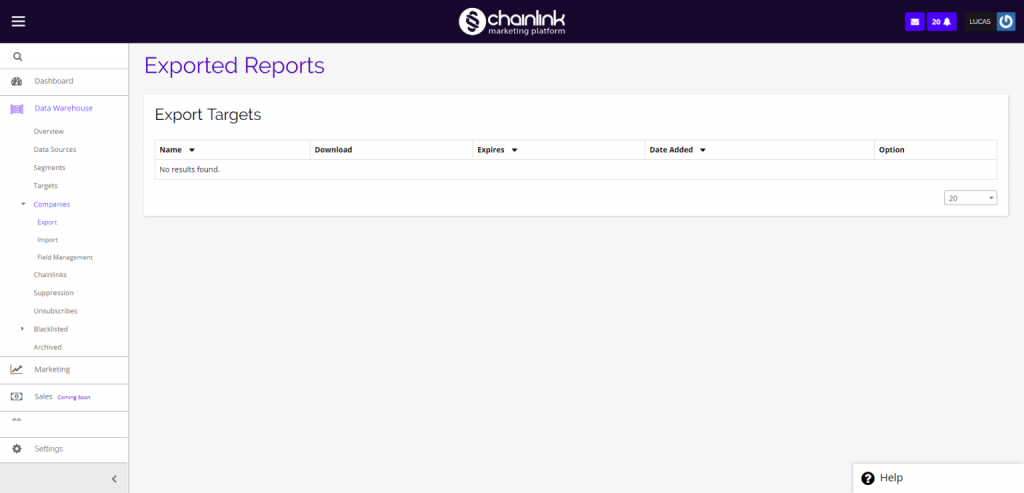
If you have exported a list of Targets at any point, you will be able to view and re-download any of your Exported Target Reports here.