Here you will find all of the freely available Email Templates provided by the Chainlink Marketing Platform.
You can sort/filter by category and tags or search by name to find specific Templates. If you’d like to use any of the templates in your Marketing Programs, simply click the “Import” button and they will be added directly to Your Emails.
To access the Chainlink Email Template Library, navigate to Marketing > Marketing Templates > Chainlink Template Library > Emails.
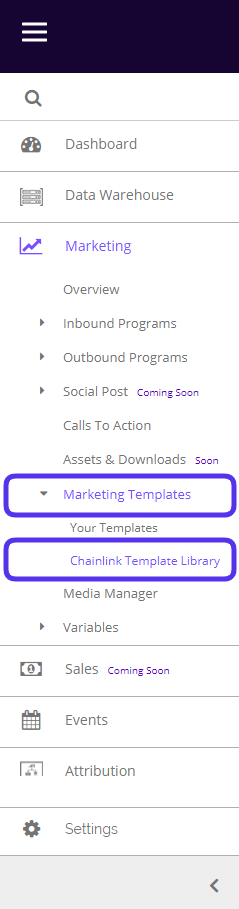

This is what the Chainlink Email Template Library looks like:
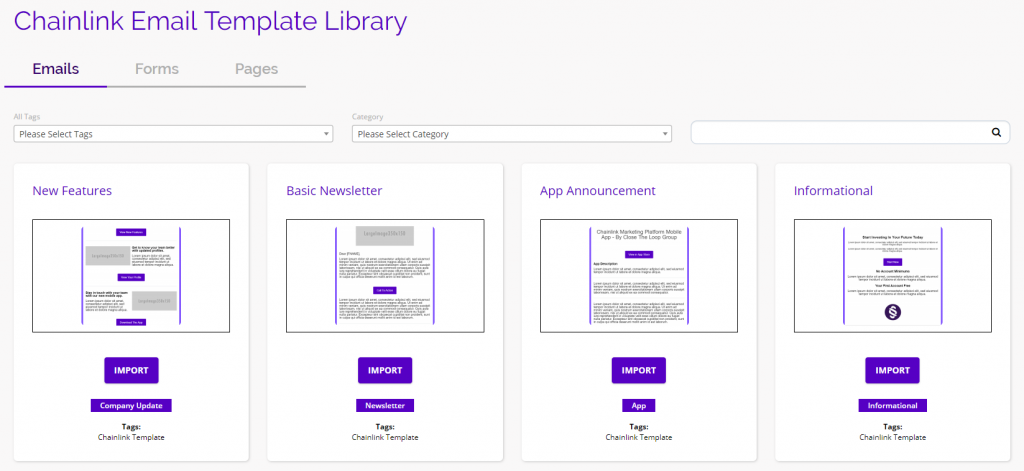
To find the right template for your marketing program, you are able to filter by tags and categories at the top of the Email Templates dashboard. You can also search for templates by name using the search bar on the right.

Preview:
- To preview what a template will look like in a web browser, click on the picture of the template and an example will appear in a separate window.
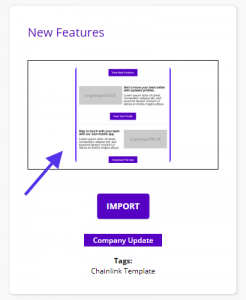
Import:
- When you find a template that suits your needs, click the Import button.
- The template will then be imported to ‘Your Emails’ where you can further customize the template for a specific marketing campaign.
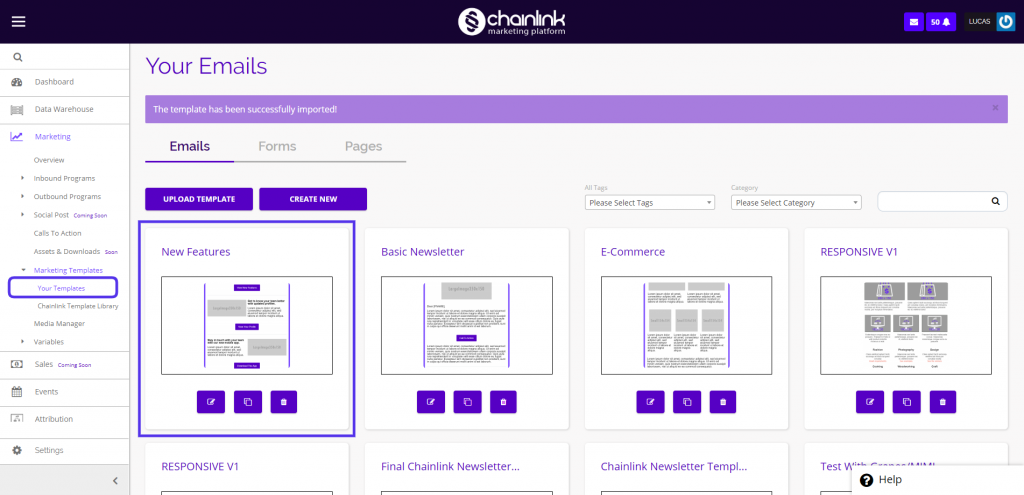
- Read more about Your Emails or Email Broadcasts to learn how to use email templates and create custom email programs.