In the Domains section within your Settings, you can easily view, edit, and create new Domains, or Vanity Domains, used for the Landing Pages you create in the Chainlink Marketing Platform. A Vanity Domain is a unique Web Domain that is branded for marketing purposes. Essentially, a Vanity Domain is a custom Domain that is used to promote a specific product/service. For example, if your primary Domain is www.yourcompany.com, your vanity domain for a product called ABC could be www.abc.com.
To access Domains, navigate to Settings > Domain Settings > Domains.
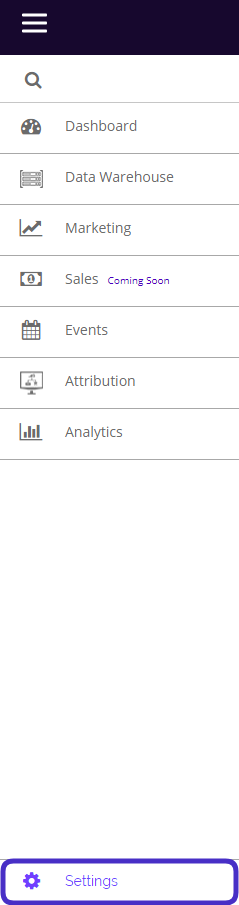
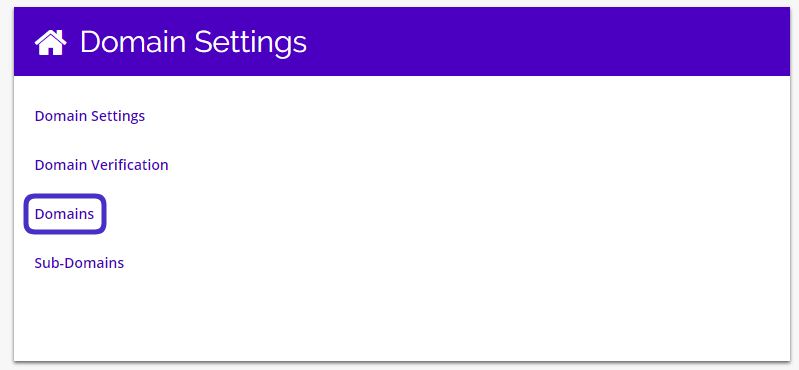
This is what the Domains page looks like:
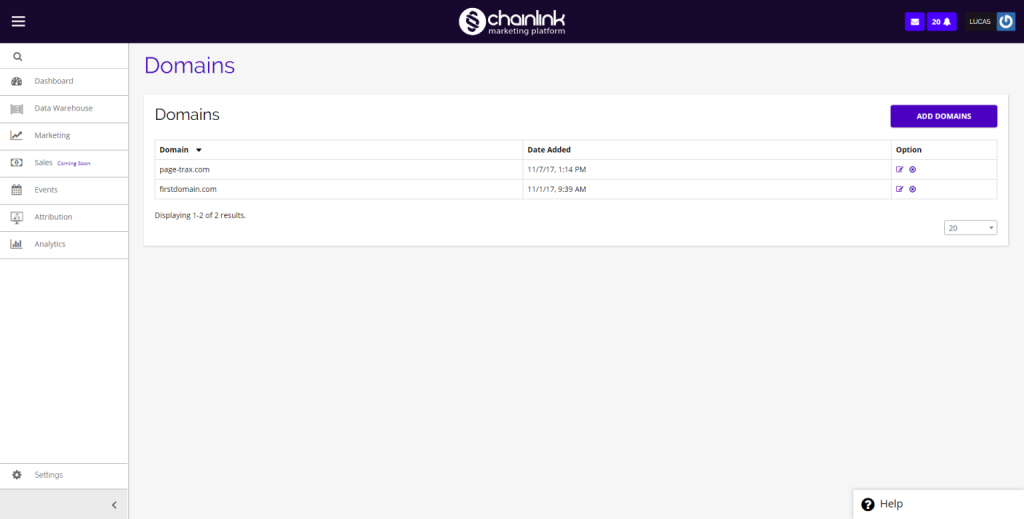
From here you have the ability to view/edit all of your custom Domains, delete Domains, and create a new Vanity Domain.
- To edit a domain, click on the pencil/paper icon under the options column.
- To delete a domain, click on the delete icon under the options column.
Add a New Domain
- To add a new domain, click Add Domains in the top right corner of the page.
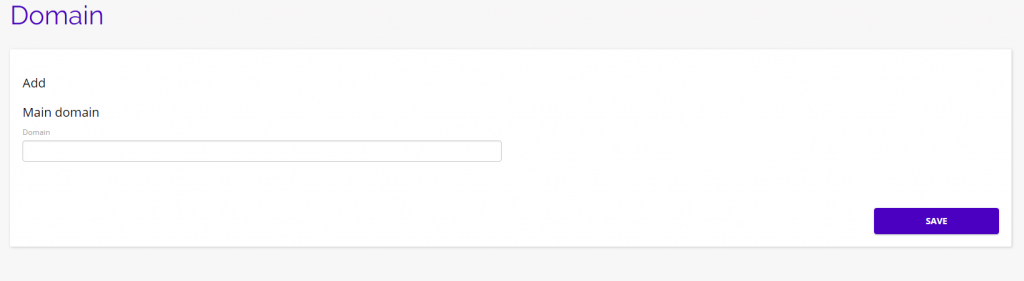
- From here you can enter your new Main Domain name. Make sure your Domain is easy to remember so your Targets can easily find you.
- Be sure to click Save when finished to add the domain to your Chainlink Marketing Platform account.