The Chainlink Marketing Platform makes it easy to access, edit, or add new credit card information if you are using any of the Billing Plans other than the Forever Free Plan. This page is simply a listing page for any credit cards you have added to the platform. You can easily add a new card by clicking the Add New button in the top right corner.
Note: Only the Main Account User will have access to the Credit Cards page for security purposes.
To access your Credit Cards, navigate to Settings > Billing > Credit Cards.
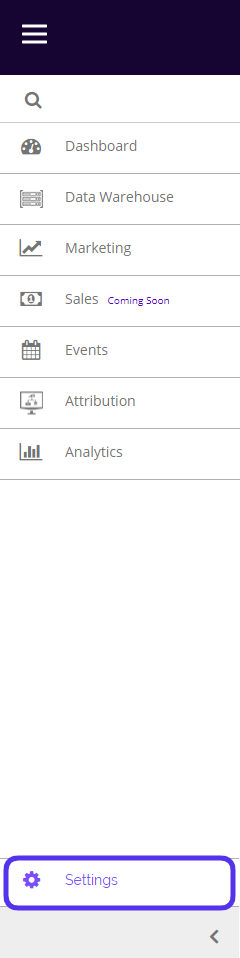
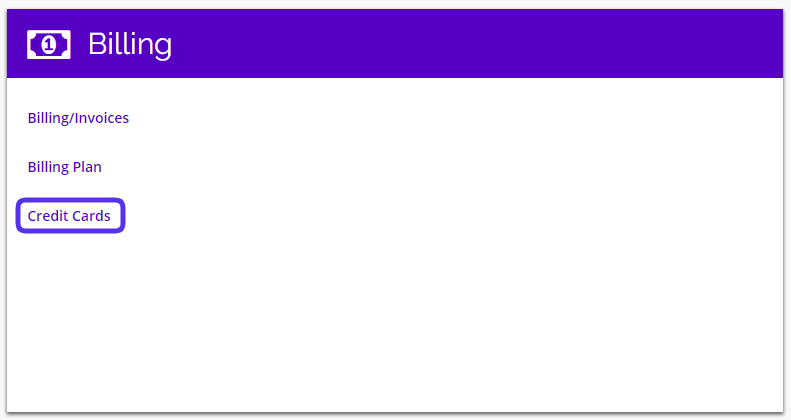
This is what the Credit Cards page looks like:
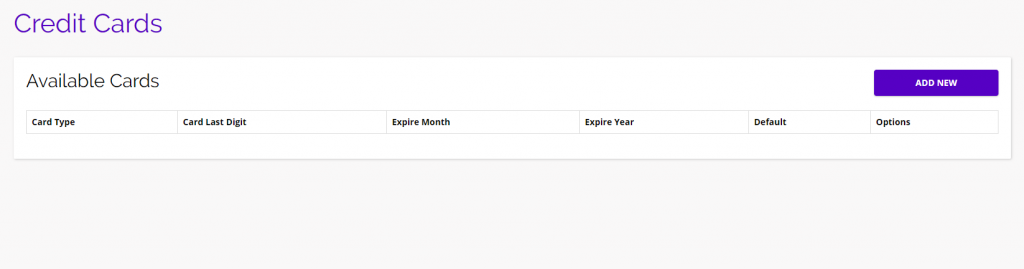
- If you have added any credit cards to the platform, you will be able to find them all on this page.
- Click the Add New button to input a new Credit Card.
- You will see a pop-up appear where you can enter all of your card information:
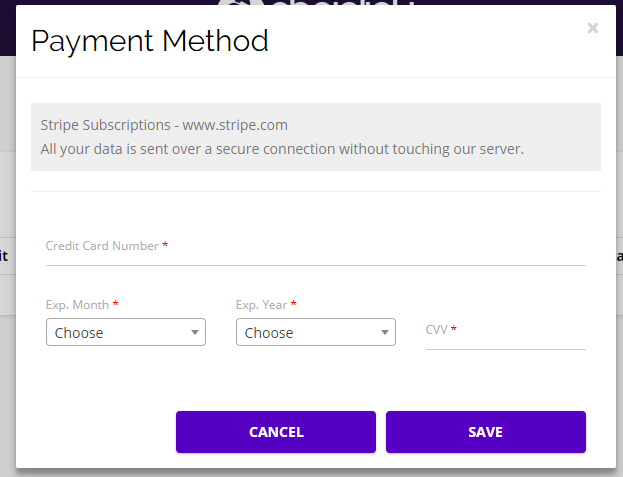
Note: All of your card data is sent to www.stripe.com over a secure connection without touching our server.