Get Started With a Trial Account
Register for a trial account and get access to Chainlink’s easy to use marketing platform. Maximize your messaging and client data to help target, personalize, measure and optimize email, mobile, and social marketing programs. The first step is to visit: https://chainlink-app.com/login/guest/register and enter your personal and company information.
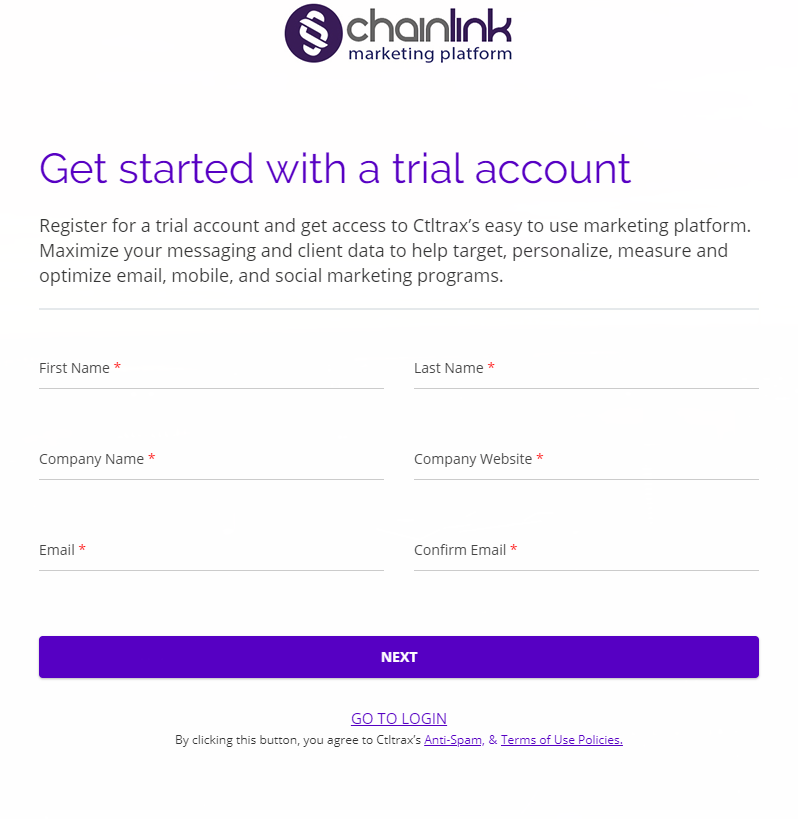
- Once you’ve entered your personal and company information, you will have to verify your email address. Check your inbox for a verification message from The Chainlink Team.
- Click the link in the email to verify your email address. You will then be brought back to the platform where you can enter some additional personal and company information.
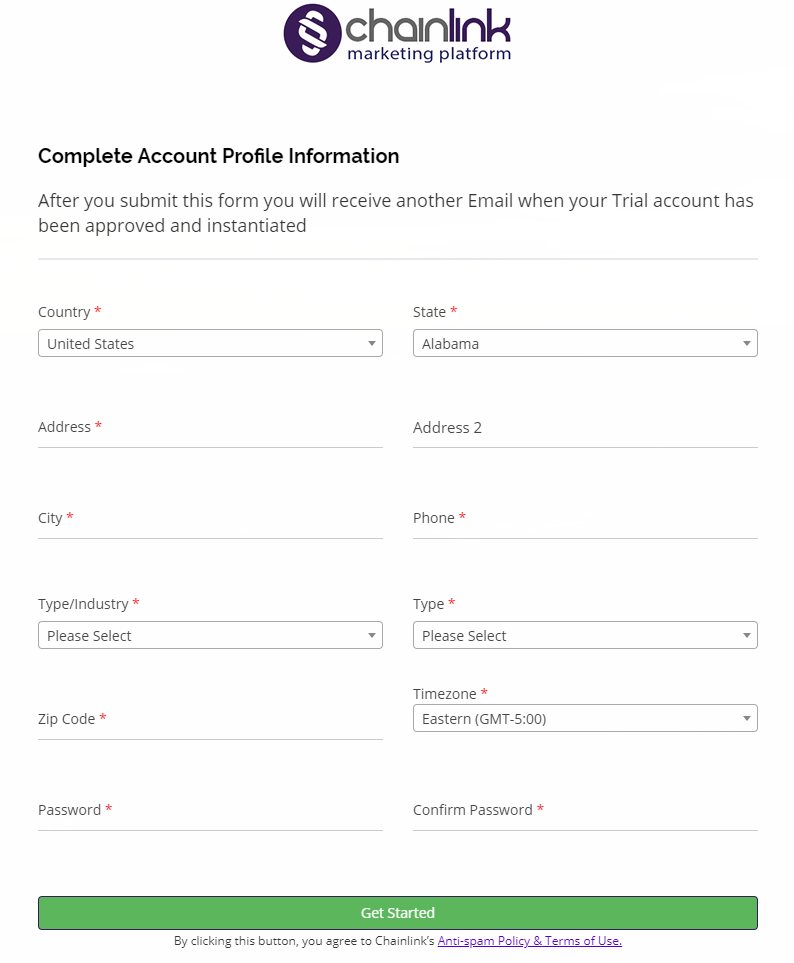
- Click Get Started when you have finished entering all of your Account Profile Information, and you will receive a second confirmation email informing you that your account has been created successfully.
- As soon as your account has been approved by a platform admin, you’ll receive a notice that you can login to your account. Visit https://chainlink-app.com/login/ to login.
- When you login for the first time you will be instructed to change your password before you can begin using your platform account. Simply change your password and login with your newly created credentials.
- Note: Chainlink’s Platform Admins will work to approve your account as quickly as possible, so you can focus on optimizing your Marketing efforts.