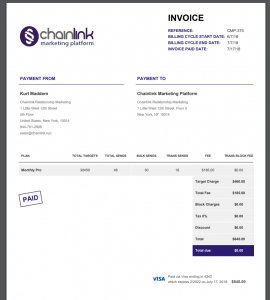
In the Chainlink Marketing Platform you can easily view all of your Billing & Invoices within the Platform settings.
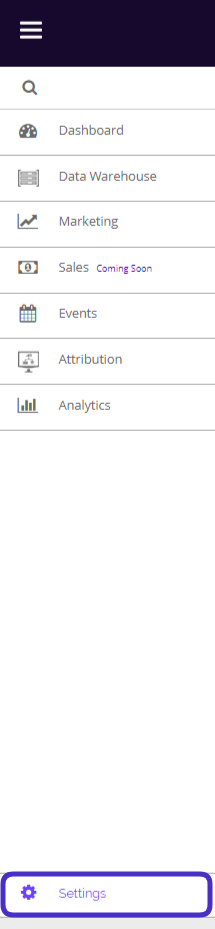
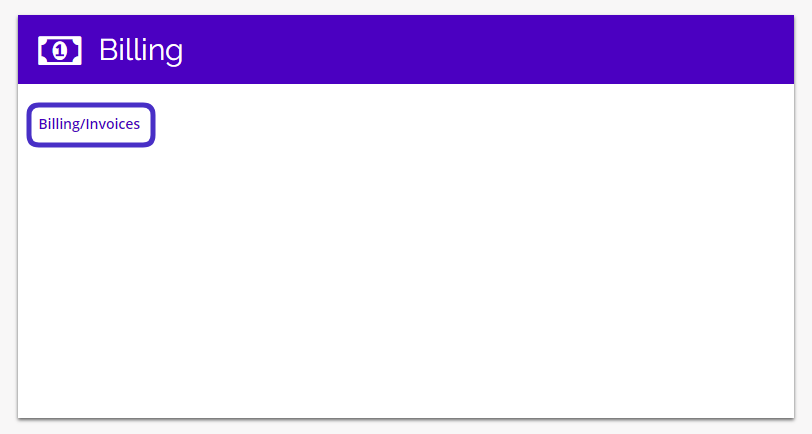
To access your Billing & Invoices, navigate to Settings > Billing > Billing/Invoices.
This is what your Billing/Invoices dashboard looks like:
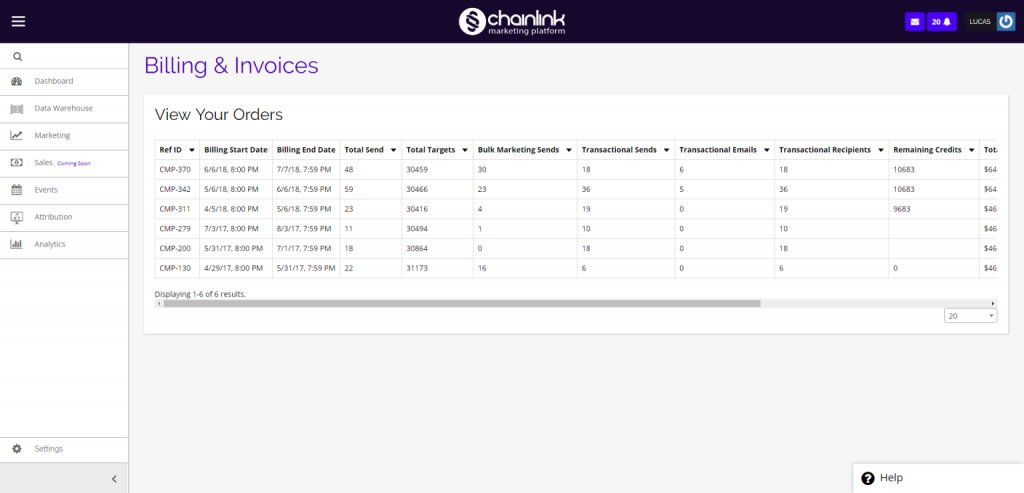
- From the dashboard you are able to see an overview of all of your payments.
- If you want to see more details on a certain payment, scroll all the way to the right and click the view icon under the options column.
- A PDF will open with all of the billing information for that specific invoice.