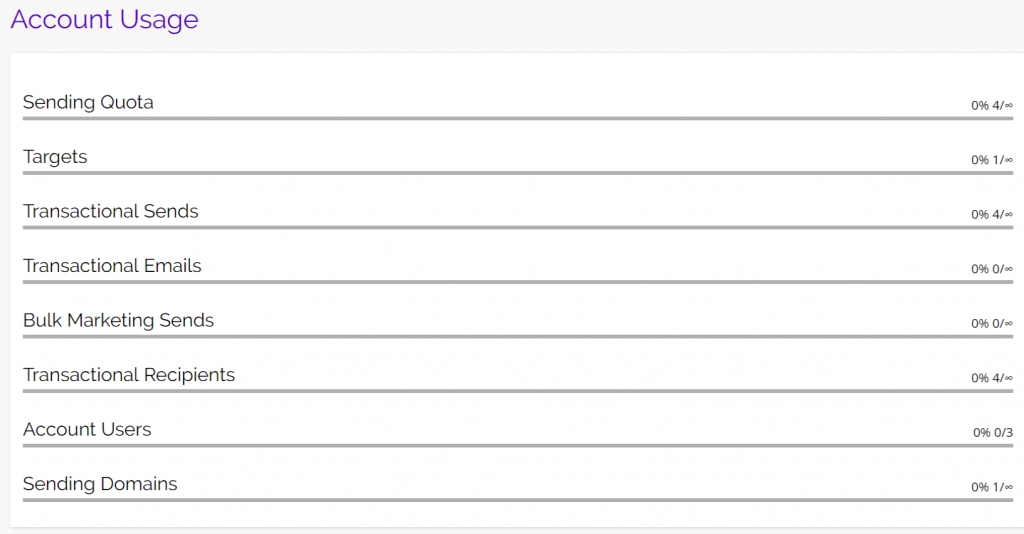
Account Usage is where you can see the percentage of features you’ve used, specific to your Chainlink Marketing Platform Billing Plan. For example, if you’ve created an account with a Forever Free Plan, you will be able to have up to 500 Targets, send up to 5,000 emails per month, have up to 3 account users, and one sending domain.
Note: Only the main account user will have access to this page.
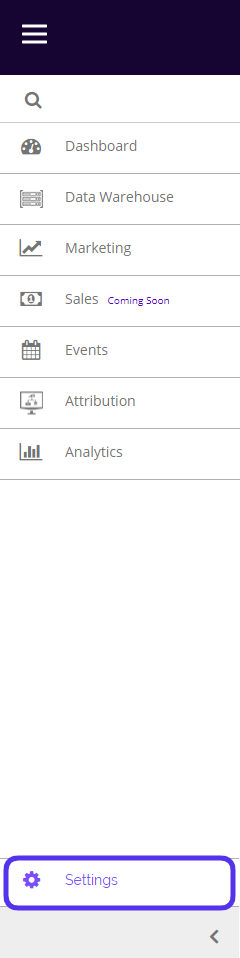
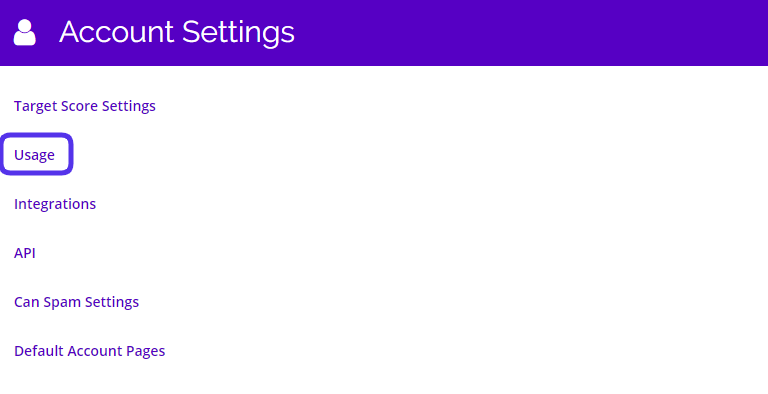
To access your Account Usage, navigate to Settings > Account Settings > Usage.
This is what the Account Usage Page looks like for a Forever Free account:
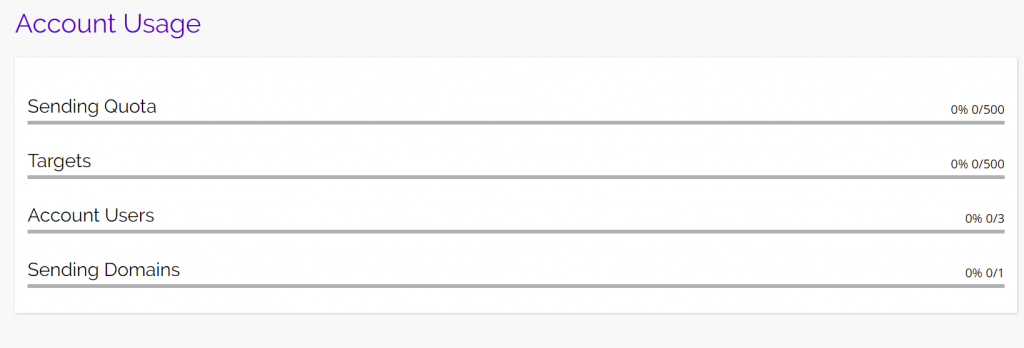
From here you will be able to see what percentage of messages sent, targets, account users, and sending domains you have used, and how many you have remaining. This Account Usage page is for a new account with a Forever Free Plan that has not yet added any data or sent out any marketing programs. This account usage page will look different for every account type. A Monthly account’s usage page looks like this: