The Account Profile Settings page is where you can view and update all of your company information. The logo uploaded on this page will be sued as the standard logo in the Chainlink Email Builder. The address added here will be used for your default SPAM settings in your Outbound Email Programs, so make sure it’s accurate.
Note: Only the Main Account User will have access to this page for security reasons.
To access your Account Profile Settings, navigate to Settings > User Settings > Account Profile.
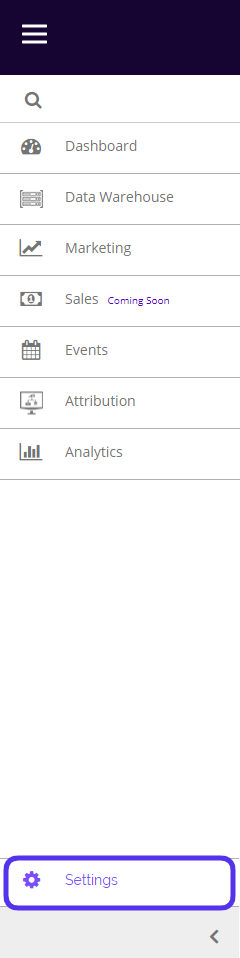
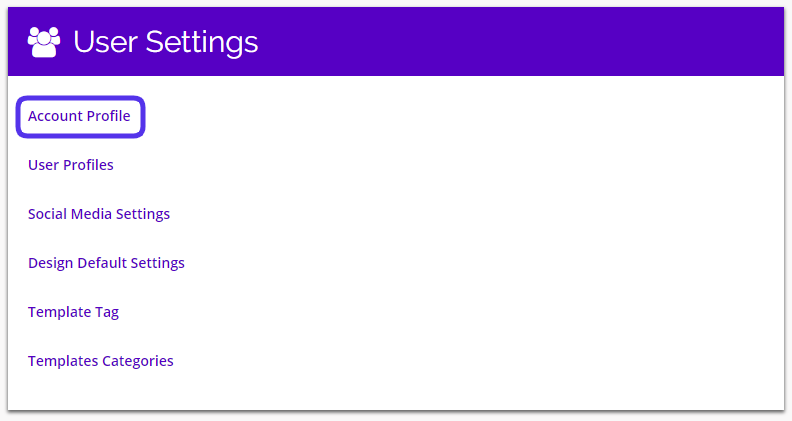
This is what the Account Profile Settings looks like:
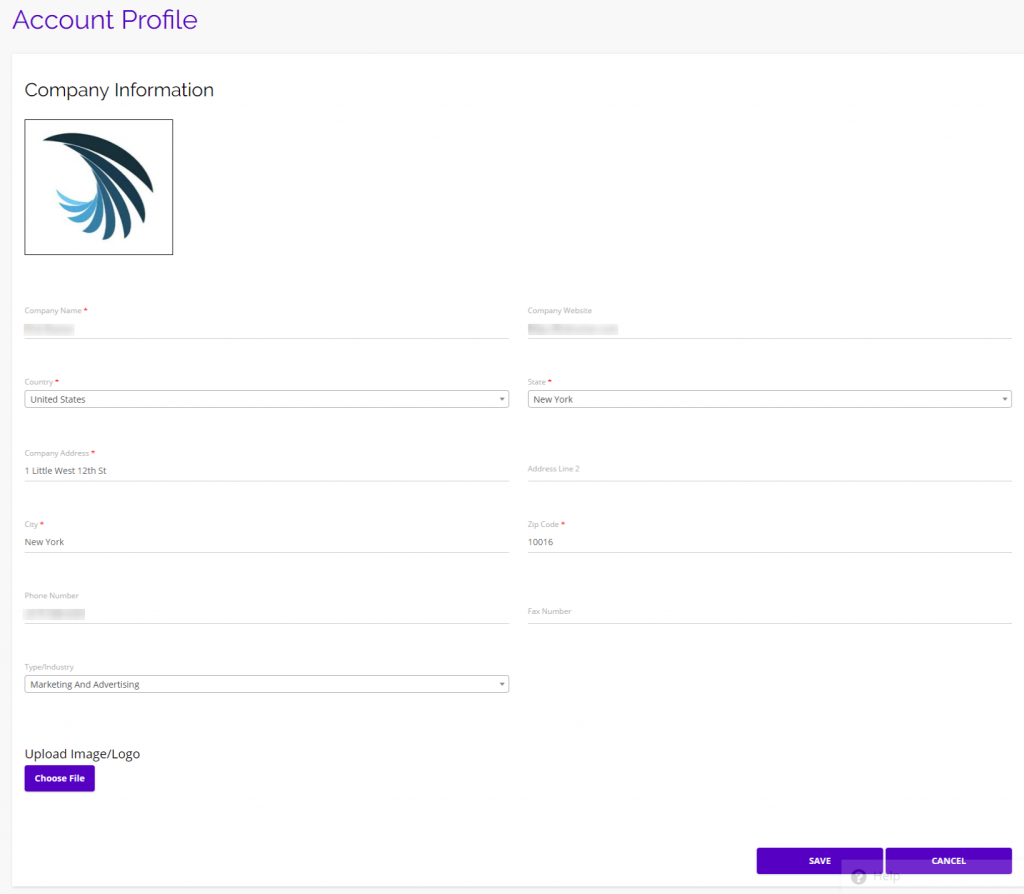
From this page you can edit all of your company information: name, website, country, state, address, city, zip code, phone number, industry, and logo.