Use the Media Manager to update, add, or remove any images or media you want to use in your Marketing Efforts. This is the easiest place in the Chainlink Marketing Platform to add multiple images at one time and organize accordingly.
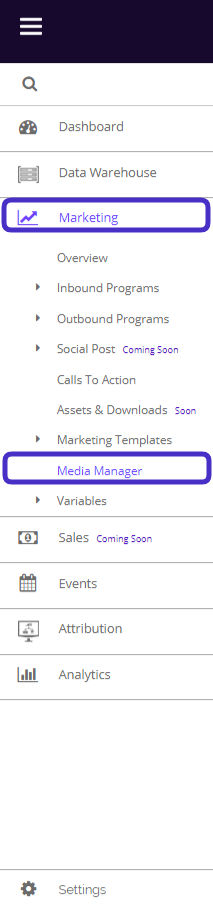
To access your Media Manager, navigate to Marketing > Media Manager
This is what your media manager dashboard looks like:
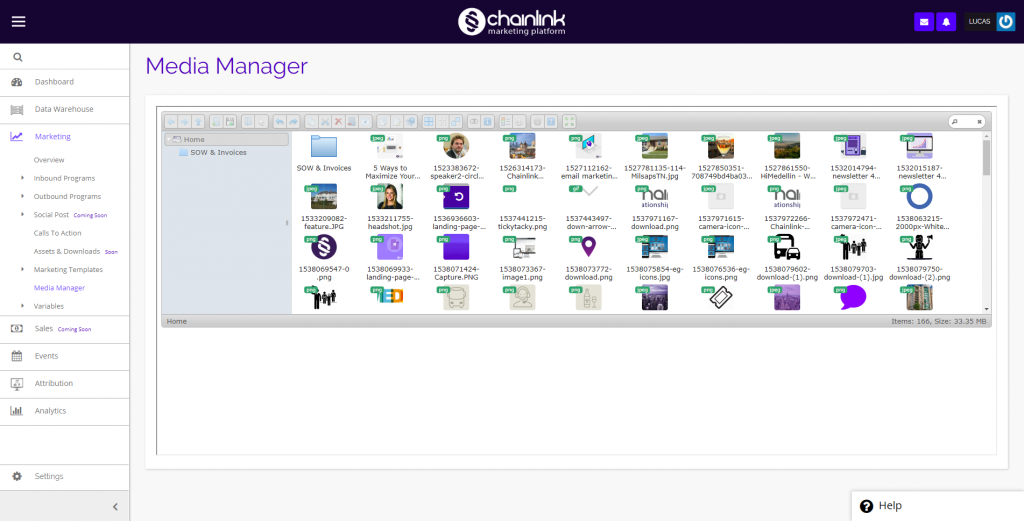
- From here you can manage all of your media files in the platform by creating new folders, uploading files from outside of the platform, and sorting your files.
- Click on any file to see a preview in a separate window.
- To create a new folder, click:

- To upload new media files, click:

- To change the view from icon view to list view, click:

- To sort your media files by name, size, kind, or date, click:
