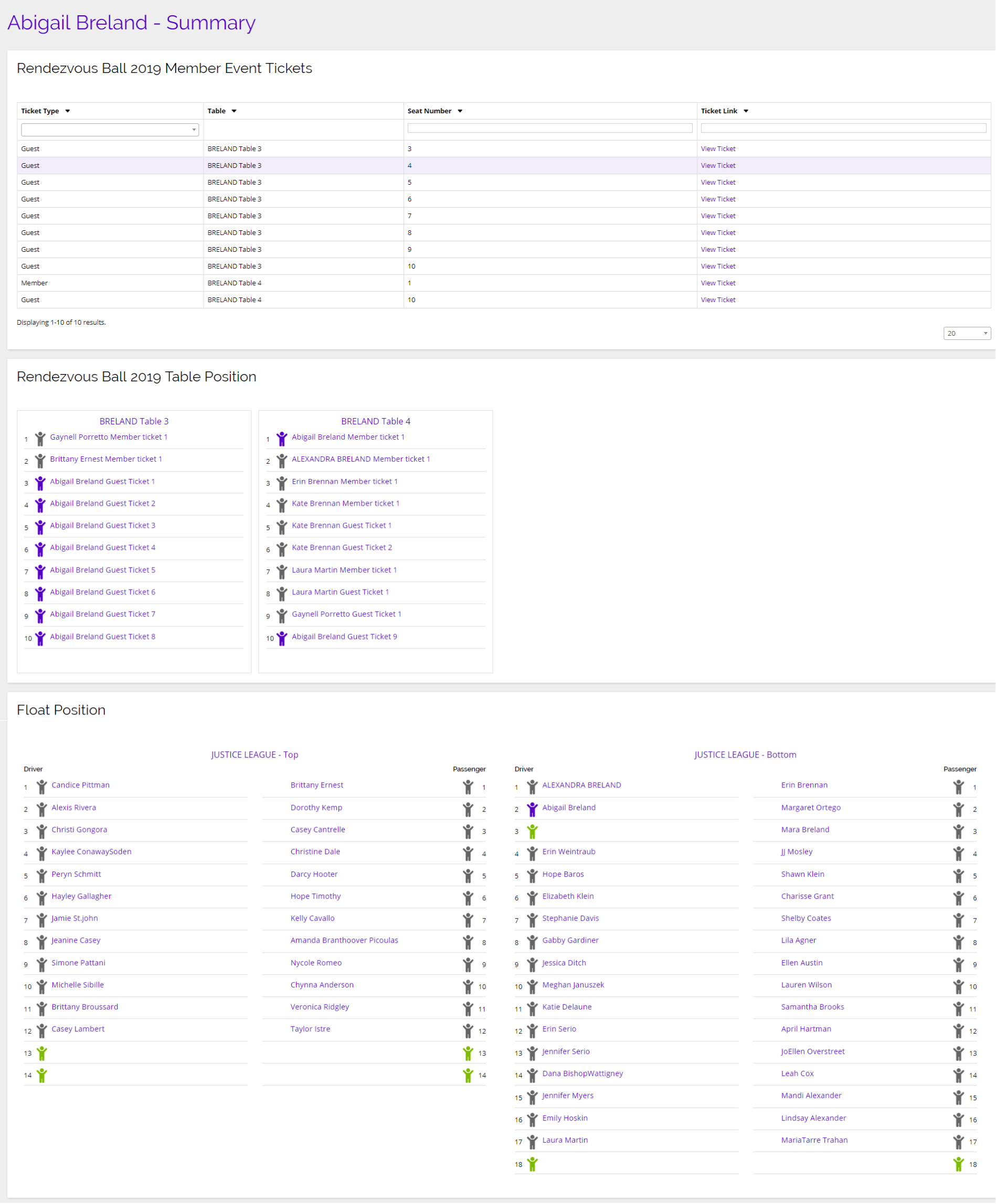
As a Lieutenant, you will be able to view all of the parade members that have been assigned to you within Chainlink’s Parade module. On this page, you will find a list of all your parade members with some of their basic information. You will also be able to view their orders and float positions from this page.
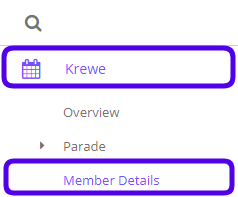
To access your Parade Members, navigate to Krewe> Member Details.
This is what the Members Overview looks like:
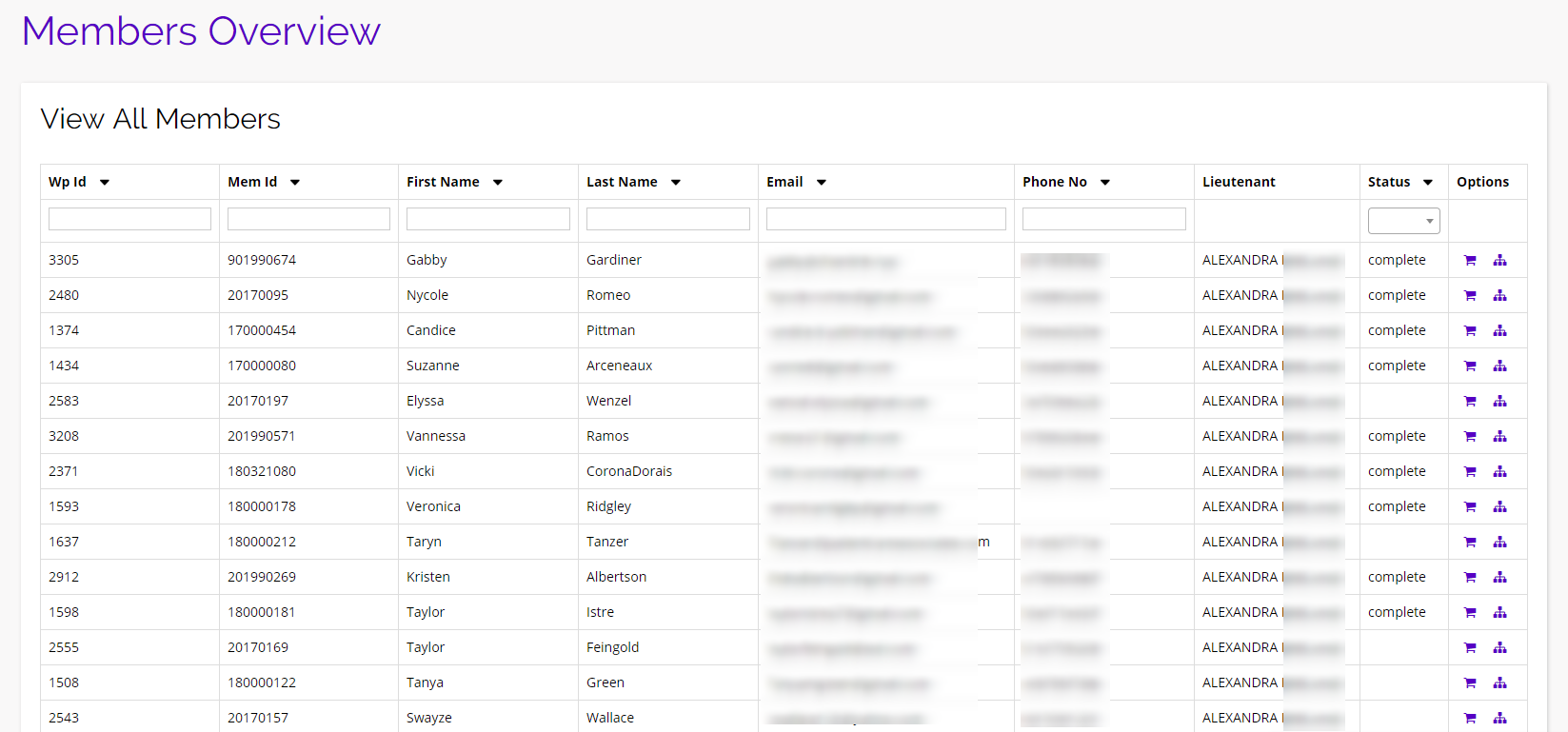
From here you can see all of your members IDs, full names, emails, phone numbers, lieutenant, status, and you have a couple options that will be discussed below.
Options
Under the options column for every member, there are a couple of quick tools that you might find useful.
View Orders
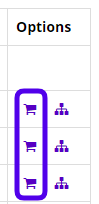
To view the order for a specific rider, click the shopping cart icon.
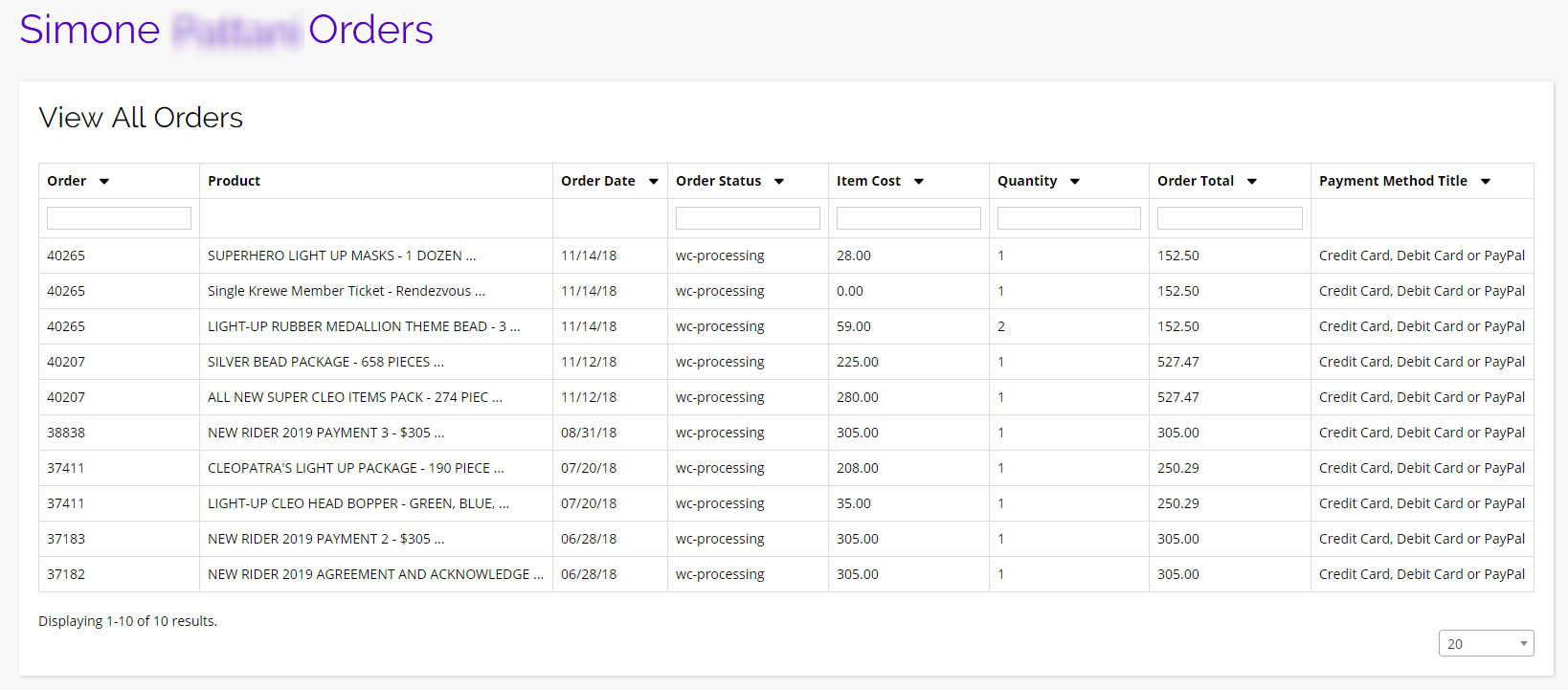
You will then be brought to a new page, listing all of the orders made by that specific rider. The individual rider’s order page will look something like this:
View Member Summary
From the Members Overview page, you also have the option to view a rider’s Krewe Summary. You can do this by clicking on the tree diagram icon under the options column.
You will then be brought to a new page where you can see a members’ Rendezvous Tickets, Rendezvous Table and Seating Assignments, Float Position, and at the bottom of this page, you will also be able to see that rider’s parade orders.