Within the settings of the Chainlink Marketing Platform, you will be able to view your Purchase List, showing all of the price/billing plans your account has purchased.
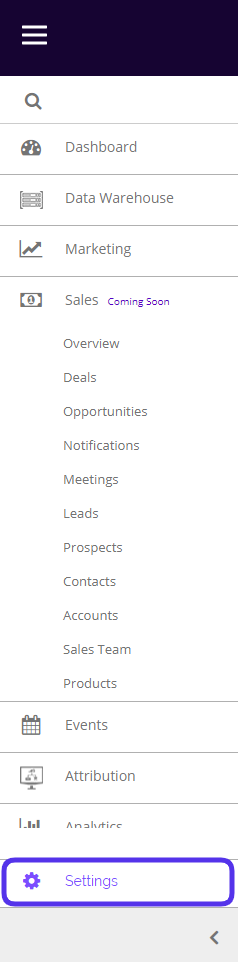
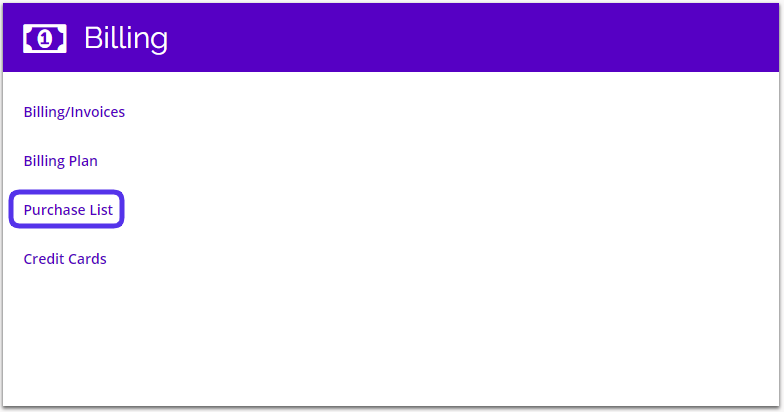
To access your Purchase List, navigate to Settings > Billing > Purchase List.
This is what the Purchase List page looks like:
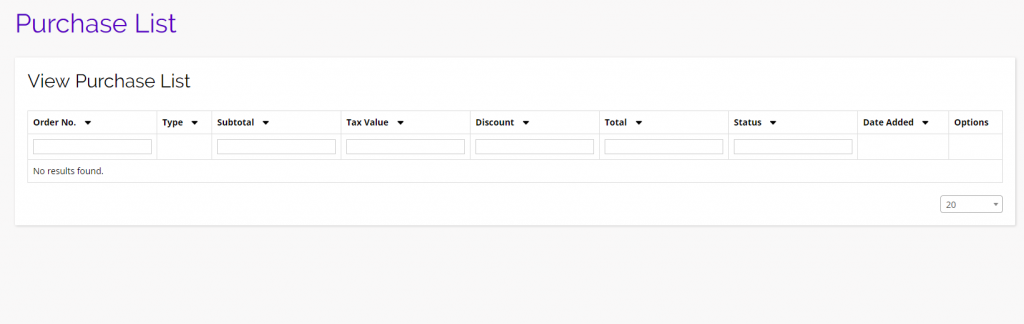
- The Purchase List page is simply a listing page for any price/billing plans your account has previously purchased.
- This account is a Forever Free account, so there are no purchases listed here.