In the Chainlink Marketing Platform, you have the ability to customize you settings for a variety of features.
- To access the settings dashboard, navigate to Settings.
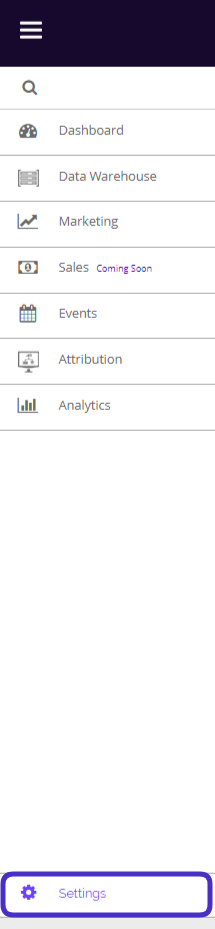
- This is what the settings dashboard looks like:
- Note: This is the settings view from the main account user. If you are not the main account user, some of these settings will not be accessible to you.
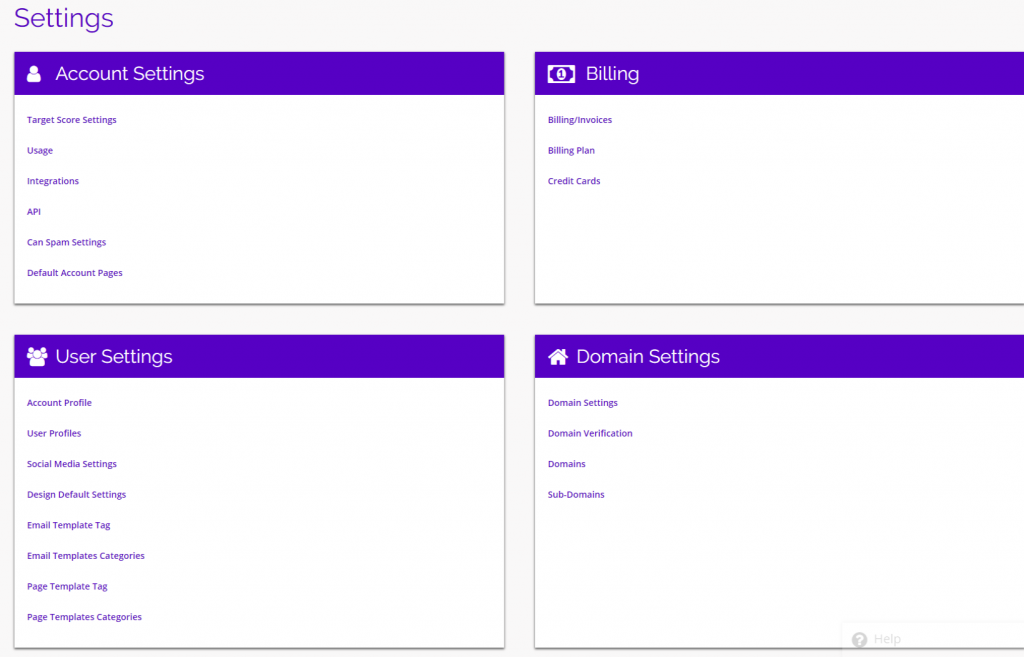
- From here you will be able to alter your settings in a number of different areas:
- Account Settings
- Target Score Settings
- Usage
- Integrations
- API
- Can Spam Settings
- Default Account Pages
- User Settings
- Account Profile
- User Profiles
- Social Media Settings
- Design Default Settings
- Email Template Tag
- Email Templates Categories
- Page Template Tag
- Page Template Categories
- Billing
- Billing/Invoices
- Billing Plan
- Credit Cards
- Domain Settings
- Domain Settings
- Domain Verification
- Domains
- Sub-Domains
- Account Settings
- Each setting group will have its own documentation explaining the specifics of each option.