Use Template Categories to easily manage all of your Email & Landing Page templates.
To access your Template Category Settings, navigate to Settings > User Settings > Templates Categories.
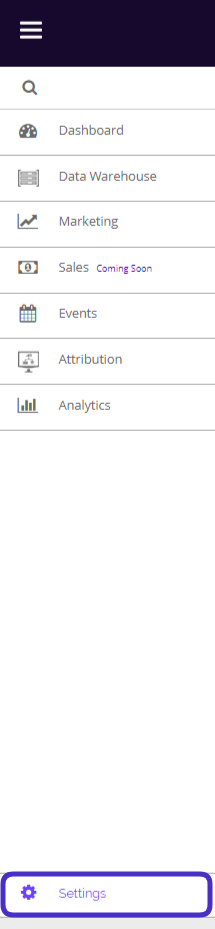
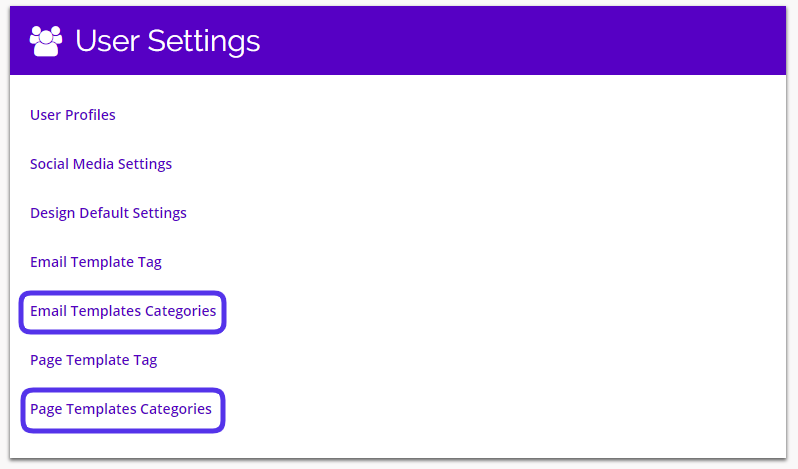
This is what the Template Categories Settings pages look like:
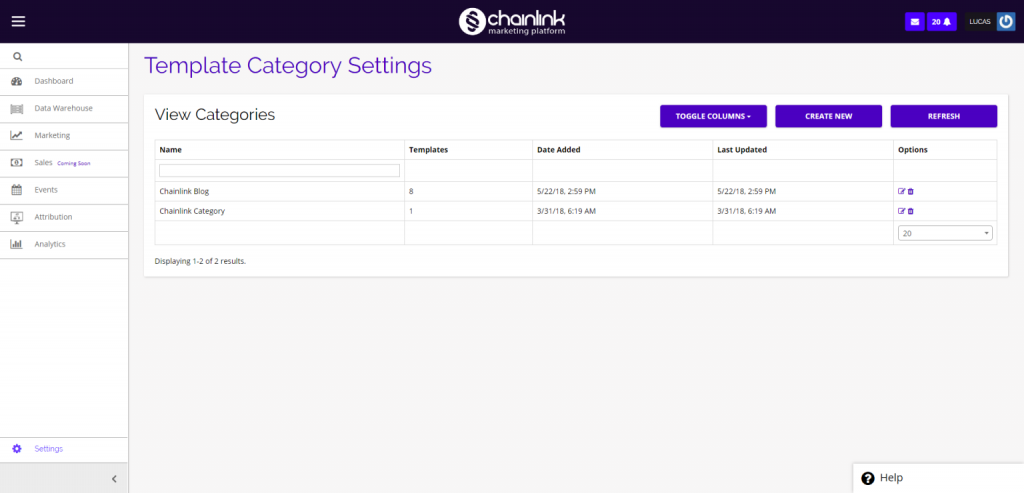
From the Template Category Settings page, you have the ability to view any template categories you have created, toggle the columns, delete existing categories and create new template categories.
To view/update any existing categories, click on the pencil/paper icon under the options column.
To delete an existing category, click on the trash can icon under the options column.
Create New Template Category
- To create a new template category, click the Create New button and you will be brought to a page where you can enter the name of your new category.
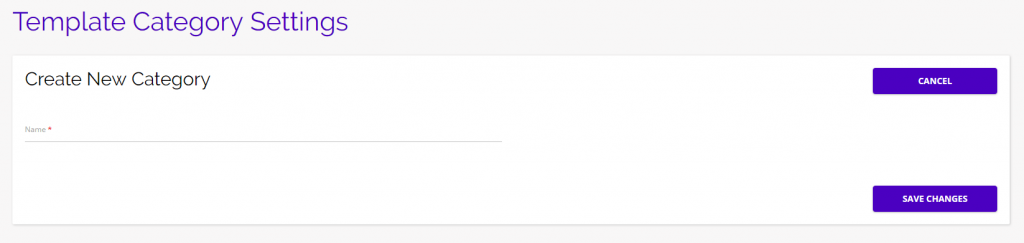
- Be sure to click Save Changes if you are creating a new template category to ensure your new category is saved in the Chainlink Marketing Platform.