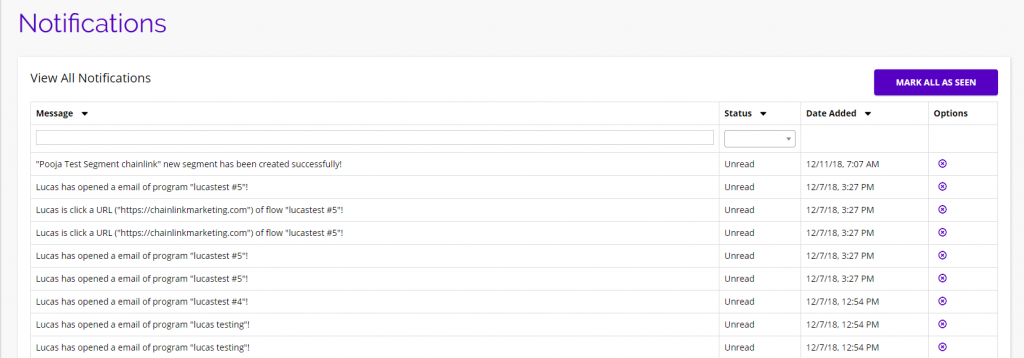
From any page within the Chainlink Marketing Platform, you can easily access any of your platform messages or notifications. Hover over either of the icons at the top of the page to see a preview of your recent messages and notifications. There will also be options to view a full list of your messages and notifications.
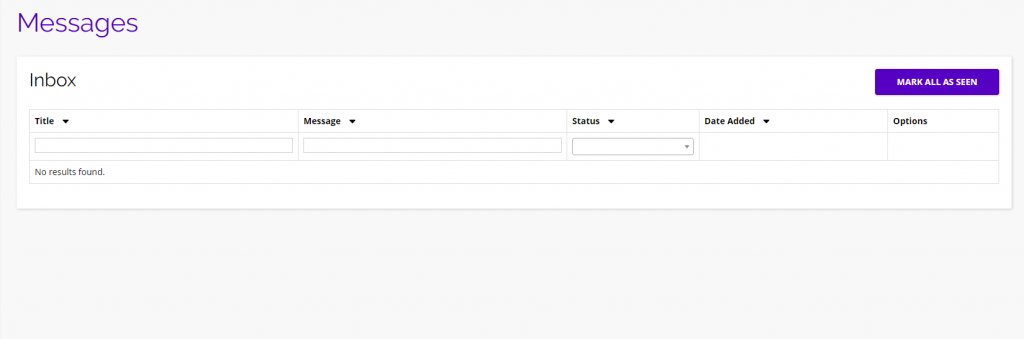
Messages is where you can find any important messages sent by one of our platform admins. These messages might include new platform updates, or maintenance information.
Notifications is where you can find all of your important platform notifications like account payments, newly created segments, new users, and more.

Messages
- The Messages page is where you will be able to find any important messages sent by a platform admin related to any platform updates or maintenance information.
Notifications
- The Notifications page is where you find all of your important platform notifications related to program send, opens, and clicks, as well as billing notifications and payment updates.