The Data Warehouse Overview is a high-level view of all of your account’s data, including Data Sources, Targets, Segments, and more.
You can click any of the links on this page to easily navigate to the various Data Warehouse pages, or you can navigate your Data Warehouse using the side menu on the left.
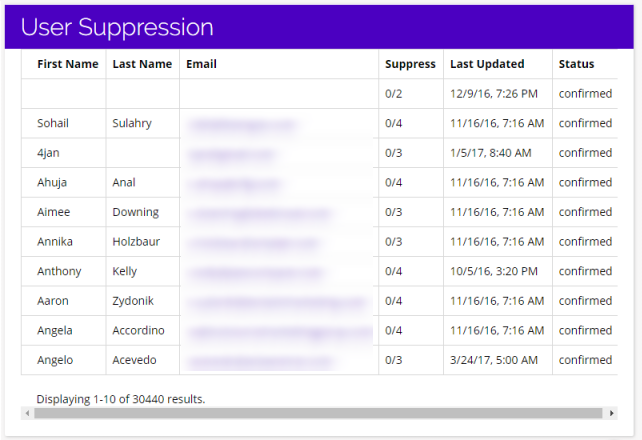
To access your Data Warehouse Overview, navigate to Data Warehouse > Overview.
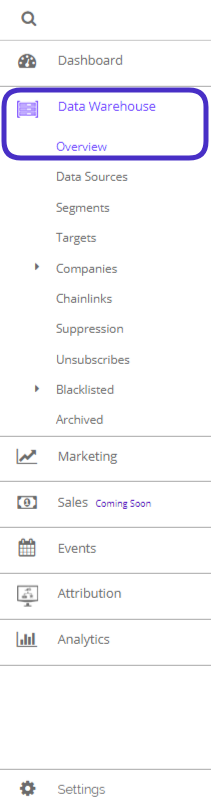
This is what the Data Warehouse Overview looks like:
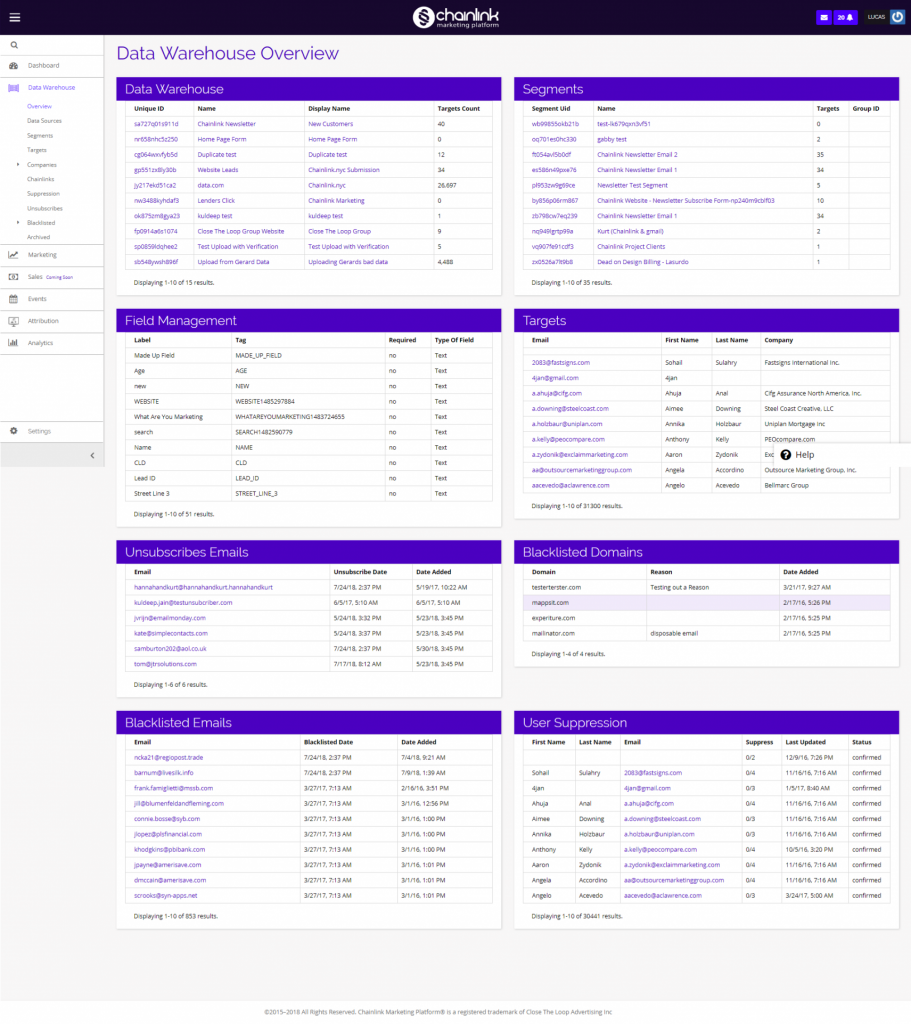
The Overview is split into 8 sections, each of which shows a snapshot of important information specific to that group of data.
- Data Warehouse/Sources
- Segments
- Field Management
- Targets
- Unsubscribed Emails
- Blacklisted Domains
- Blacklisted Emails
- User Suppression
Each of these data groups goes into more detail on their own page within the Data Warehouse.
Data Warehouse
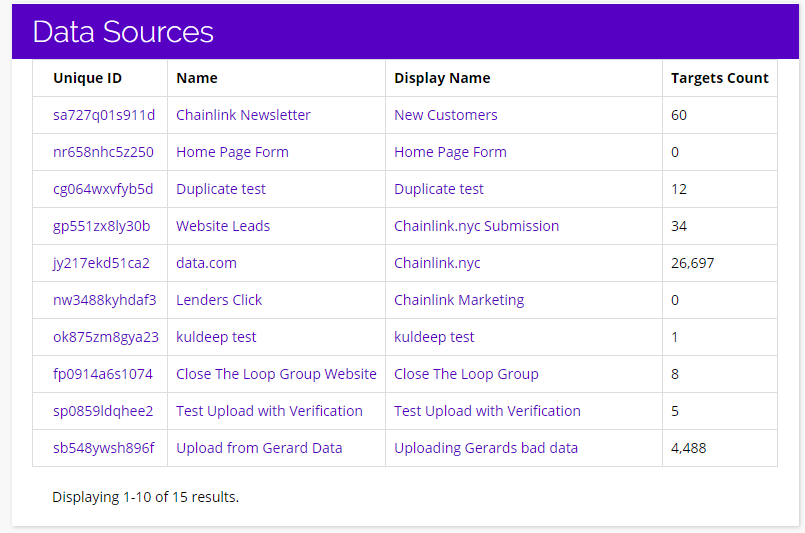
- The Data Warehouse section gives you an overview of your Data Sources and Targets.
- Here you can see a preview of your Data Sources and how many Targets are from each source.
- To view all of the Targets in a Data Source, click on the Name/Display Name of the Data Source you want to view.
- To edit a Data Source, click on the Unique ID.
- For more information on Data Sources, view the Data Sources Knowledge Base.
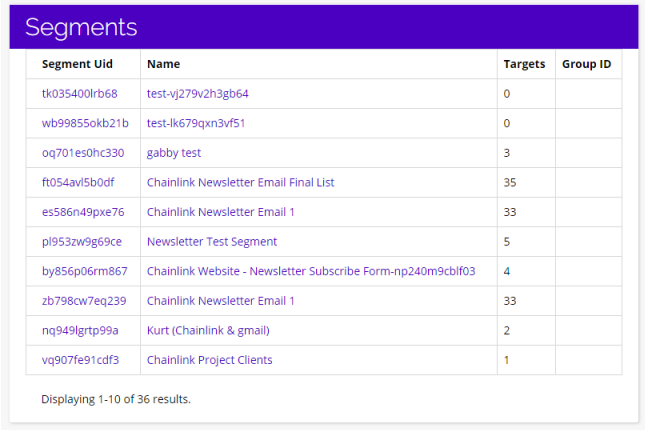
Segments
- Segments are a set of account-based conditions that define a group of Targets to be used in Marketing Programs.
- Here you can see some basic information on 10 of your recent Segments.
- To view a specific Segment, click on its’ Segment Uid or Name.
- For more details on Segments, visit the Segments Knowledge Base.
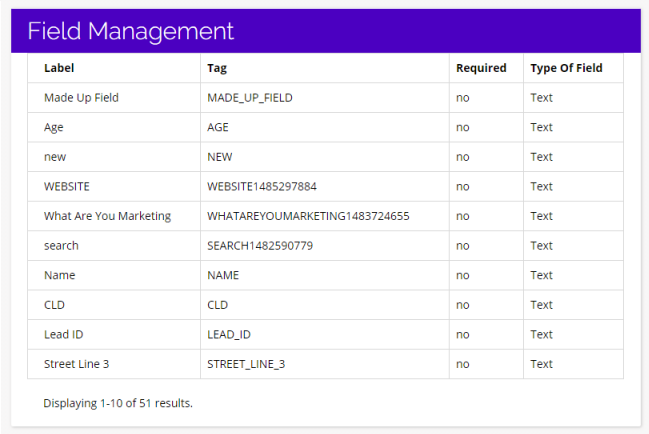
Field Management
- The Field Management section gives you a preview of 10 Fields used to manage your data within the platform.
- For more details on Field Management, visit the Field Management Knowledge Base.
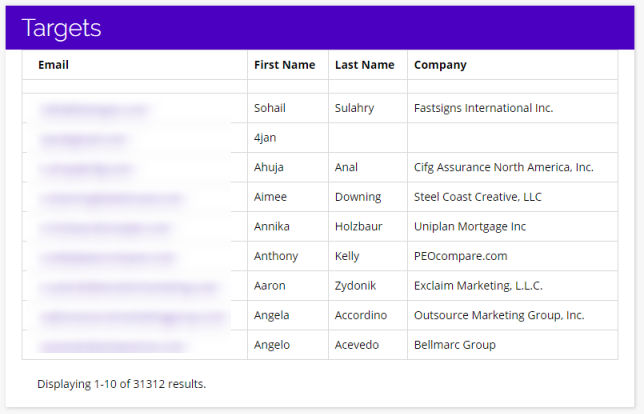
Targets
- Targets are the end recipients and contacts that are the “Marketing Targets” of every single marketing effort.
- To view a specific Targets’ profile, simply click on their email.
- For more information on Targets, visit the Targets Knowledge Base.
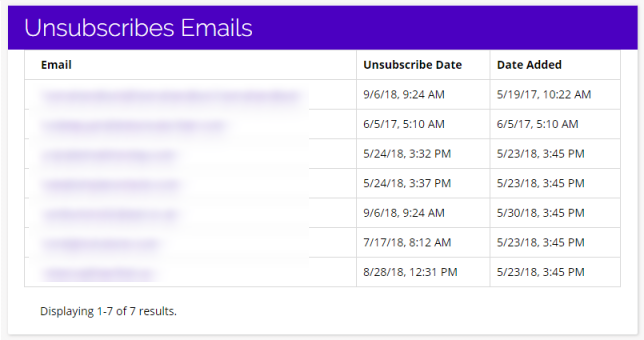
Unsubscribes
- Unsubscribes shows all of your account’s Targets that have previously unsubscribed from one of your marketing programs.
- To view any Unsubscribed Target’s profile, click on their email.
- For more information on Unsubscribed Targets, visit the Unsubscribes Knowledge Base.
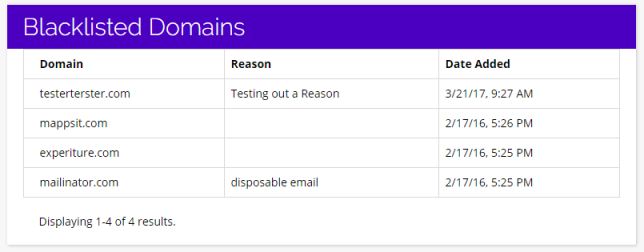
Blacklisted Domains
- This is a list of your account’s Blacklisted Domains. A domain will be added to this list if your account has tried to contact it via marketing efforts, and has had multiple negative email server responses.
- Most often this is because it is no longer functional, the company’s email server doesn’t allow outside emails, or sometimes due to previous SPAM infractions.
- For more information on Blacklisted Domains, please visit the Blacklisted Domains Knowledge Base.
Blacklisted Emails
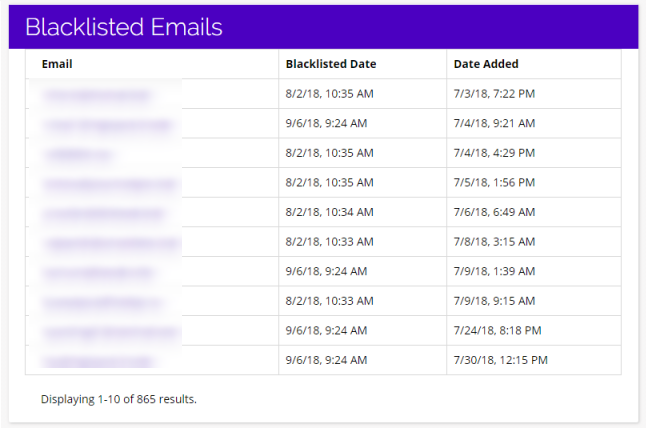
- Similar to Blacklisted Domains, Blacklisted Emails or Targets is a listing page of all of the individual email addresses that has been flagged due to multiple negative email server responses.
- To view a Blacklisted Target’s Profile, simply click on the email address you want to view.
- For more details on Blacklisted Emails, visit the Blacklisted Targets Knowledge Base.
User Suppression
- Suppression can be used to remove Targets from a segment at any time.
- From here you can see some basic information about 10 of your Targets, how many segments they’re a part of, and how many Segments have been suppressed.
- To view a suppressed Target’s profile, simply click on their email.
- For more information on User Suppression, please see the User Suppression Knowledge Base.