Add your Social Media accounts to the URL fields for each Social Media platform to automatically populate the proper accounts across your marketing programs and efforts throughout the Chainlink Marketing Platform.
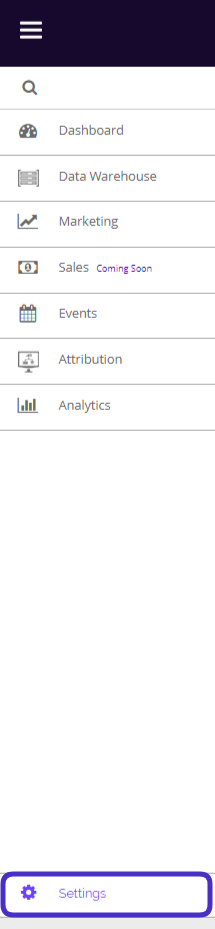
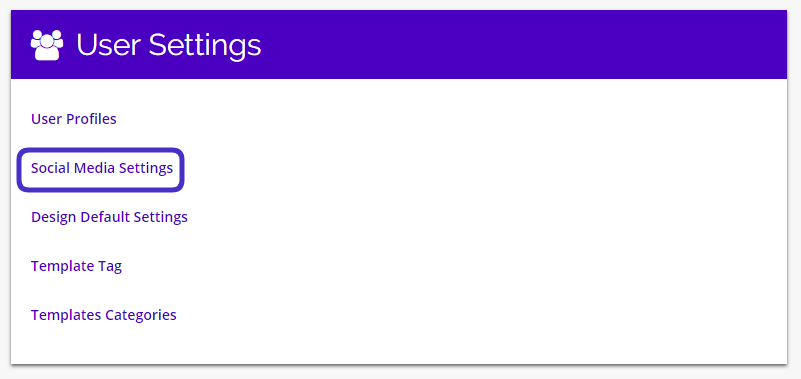
To access your Social Media Settings, navigate to Settings > User Settings > Social Media Settings.
This is what the Social Media Settings dashboard looks like:
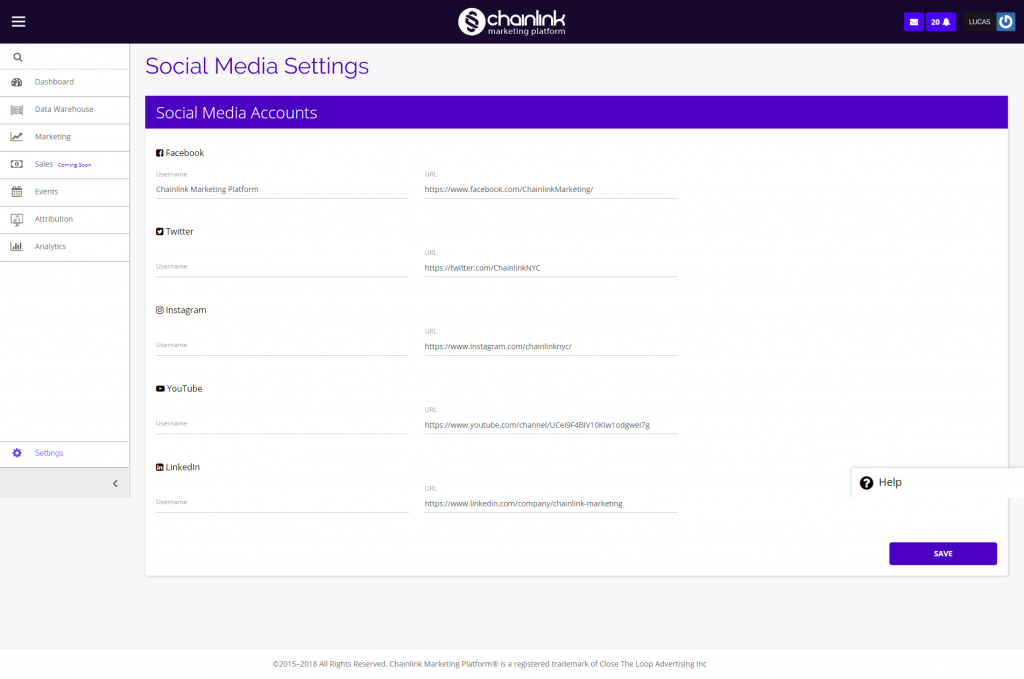
From the Social Media Settings dashboard, you can view all of the social media accounts associated with your account, and add any account usernames and URLs you would like to connect to the Chainlink Marketing Platform.
- YouTube
If you are adding any information, be sure to click Save when finished to successfully update you profile. Any social accounts added here will automatically update when adding a social profile block in one of the Drag & Drop Editors.